 When you click on links to various merchants on this site and make a purchase, this can result in this site earning a commission. Affiliate programs and affiliations include, but are not limited to, the eBay Partner Network. When you click on links to various merchants on this site and make a purchase, this can result in this site earning a commission. Affiliate programs and affiliations include, but are not limited to, the eBay Partner Network.
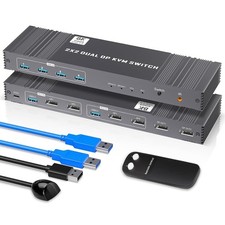
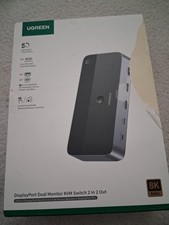
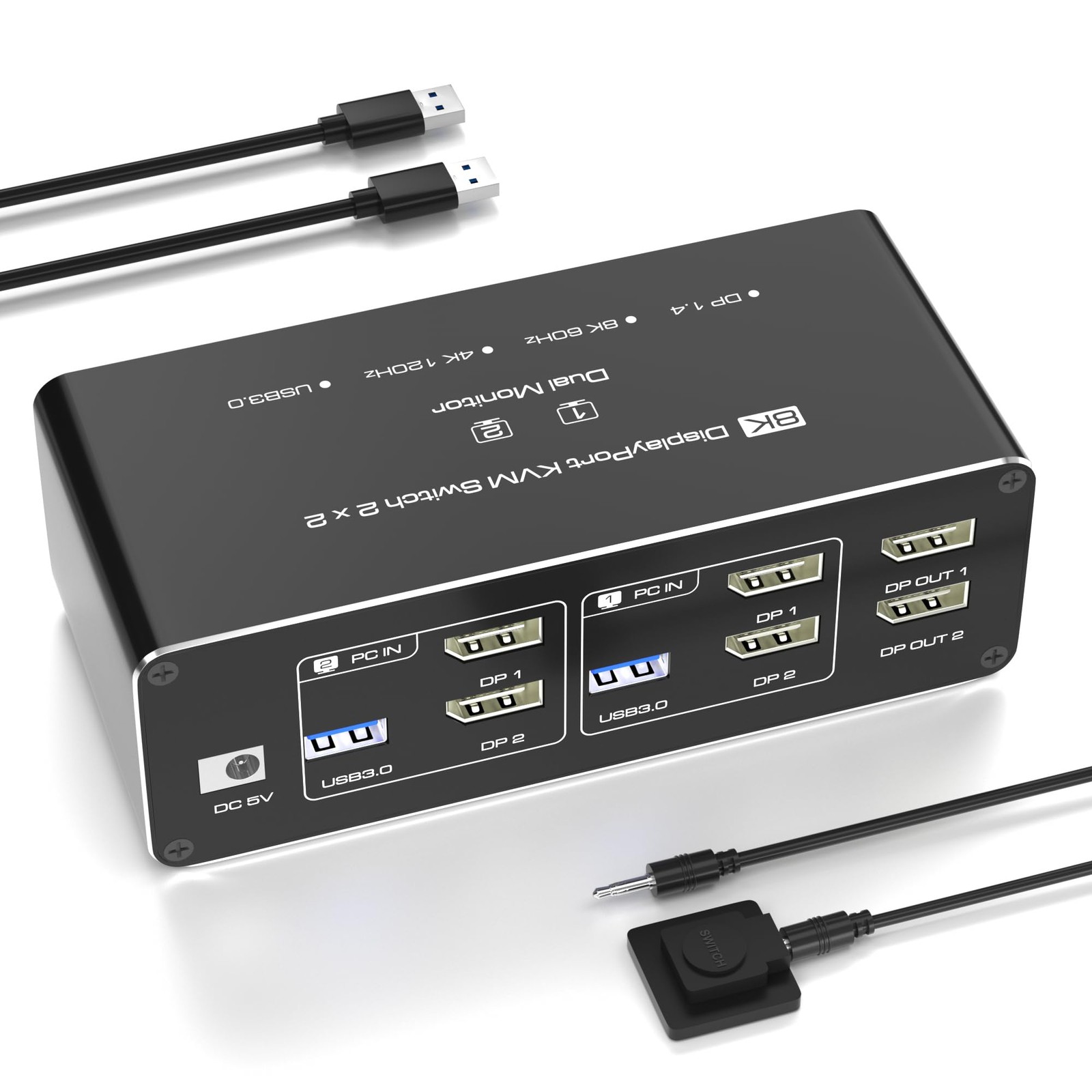
- Dual Monitor KVM Switch for 2 Computers (DisplayPort) – Seamless Multi-PC Control, Easily manage two computers with a single keyboard, mouse, and dual monitors (2× DisplayPort). Supports Extended & Mirror Mode for flexible workspace configurations. ▶ Important Requirements: Both PCs/laptops must have two independent DP ports (no signal conversion between inputs). Both DP ports must connect to the same computer (e.g., DP1 + DP2 → PC1).
- Ultra HD 4K@120Hz & 8K@60Hz (DP 1.4) – Stunning Visuals, Experience crystal-clear 4K@120Hz or 8K@60Hz resolution—perfect for gaming, graphic design, and 4K/8K video editing. ▶ Note: Requires 4K/8K-compatible source devices, monitors, and certified DP 1.4 cables. Lower-quality cables may cause flickering or signal loss.
- USB 3.0 Hub (5Gbps) – Connect 4 Devices, Share keyboards, mice, printers, and USB drives across both PCs. Backward compatible with USB 2.0/1.1 devices. ▶ Note: Adapters are not supported—connect USB devices directly to avoid recognition issues.
- Two Switching Methods – Simple & Reliable, Press the KVM’s front-panel button or use the included desktop controller (LED indicators show active PC). Compatible with Windows, macOS, Linux, and Unix. ▶ No keyboard hotkeys—switching requires physical button presses.
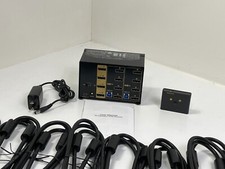
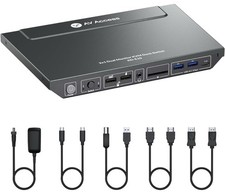
- What’s Included? 1× Dual Monitor KVM Switch, 1× Desktop Controller (1.5m cable), 2× USB 3.0 Cables (1m), 1× 5V Power Adapter, 1× User Manual ▶ DP cables not included—users must provide their own DisplayPort 1.4 cables.
- Easy Setup Guide Power On: Connect the 5V/2A power adapter for stable operation. Connect PCs: Plug DP 1 + DP 2 and USB-A from each PC into PC1 IN / PC2 IN ports. Link Monitors: Connect OUT1 & OUT2 to your displays (OUT1 = DP1 source, OUT2 = DP2 source). Attach Peripherals: Plug keyboards/mice into the front USB 3.0 ports. ▶ For Dual Monitors: Both DP inputs must connect to the same dedicated GPU. If one monitor fails, try replacing the DP cable.
 |
|