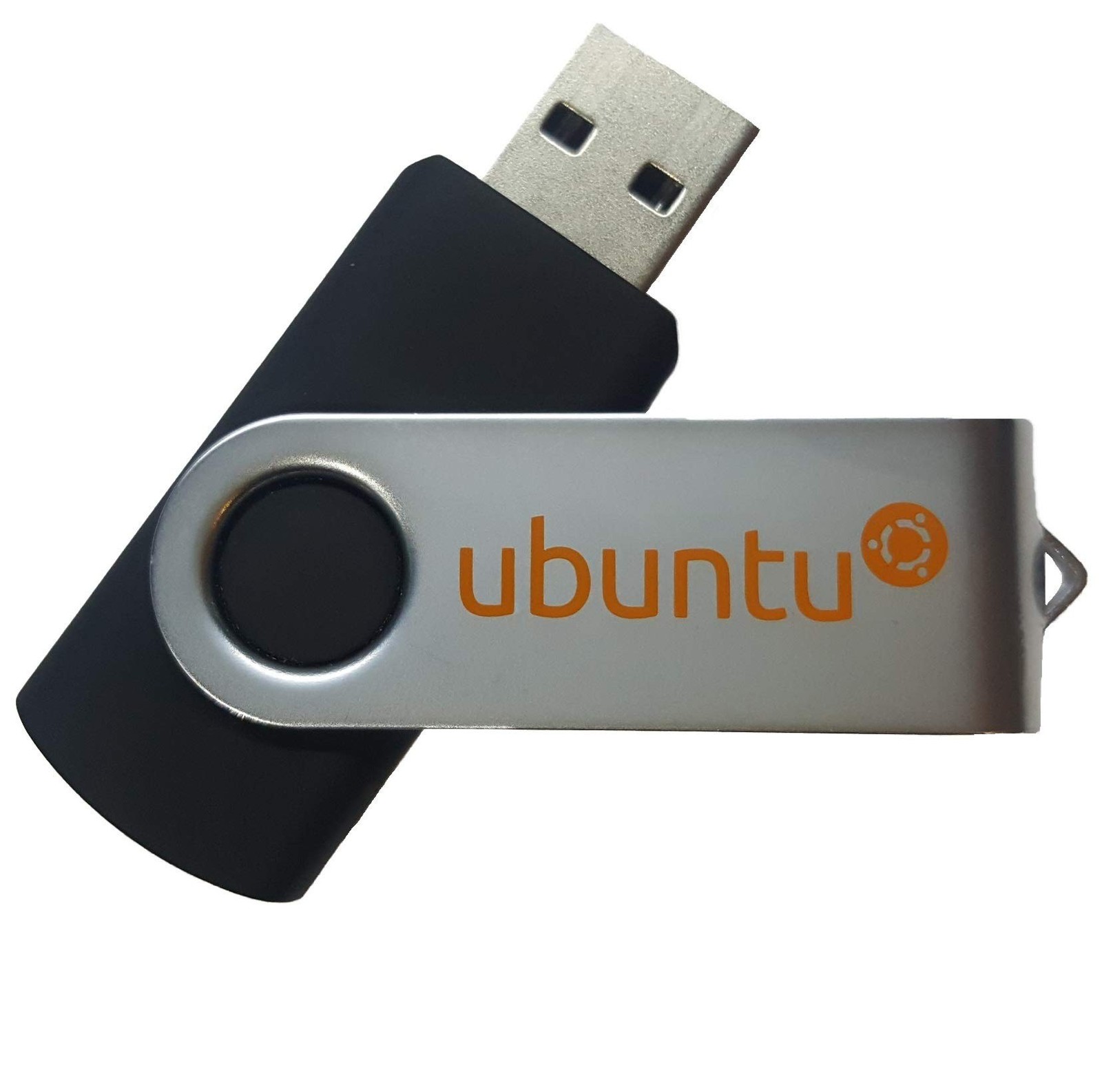
Learn How to Use Linux, Ubuntu Linux 20.04 Bootable 8GB USB Flash Drive - Inc... For Sale
When you click on links to various merchants on this site and make a purchase, this can result in this site earning a commission. Affiliate programs and affiliations include, but are not limited to, the eBay Partner Network.
Learn How to Use Linux, Ubuntu Linux 20.04 Bootable 8GB USB Flash Drive - Inc...
Price: IL $32.75
Learn How to Use Linux, Ubuntu Linux 20.04 Bootable 8GB USB Flash Drive - Includes Boot Repair and Install Guide Product Details
Brand: Linux Builder
Memory Storage Capacity: 8 GB
Hardware Interface: USB
Special Feature: Lightweight
Write Speed: 40 MB/s
Memory Storage Capacity: 8 GB
Hardware Interface: USB
Additional Features: Lightweight
Write Speed: 40 MB/s
Connectivity Technology: USB
Flash Memory Type: USB
Hardware Connectivity Technology: USB Type A
Compatible Phone Models: Ubuntu
Compatible Devices: Laptop
Brand: Linux Builder
Manufacturer: Linux Builder
Number of Items: 1
UPC: 726794394346
Model Number
Legal Disclaimer:This software is licensed under the GNU General PublicLicense (GPL)At Linux Builder we strongly believe in quality, that means eachunit comes with an original version of Ubuntu Linux and Boot Repair!This 8 GBUSB Flash drive contains the following: Ubuntu 20 LTS 64 bit and Boot repair64 bit!This will run from the USB, you can try it or install it.If you runinto problems during the installation process please send us a message orvisit the Linux Mint or Ubuntu forums.We will be glad to provide assistanceand walk you through any problems you face. When installing you will needto:1. Insert the USB flash drive into any USB port2. Make sure the bootsequence is set to boot from the USB drive first, if you need to enter theBIOS to change the boot order or other system settings, the key will be one ofthe following: ESC, F1, F2, F10 or F12 depending on your computermanufacturer.3. Some typical settings you may have to change in the BIOS toboot from the USB are disabling secure boot (sometimes called UEFI), enablinglegacy mode and disabling fast startup.4. After you boot from the USB, followthe prompts sit back and will it install on it's own. You can install Linux torun alongside Windows, demo Ubuntu or replace Windows entirely.