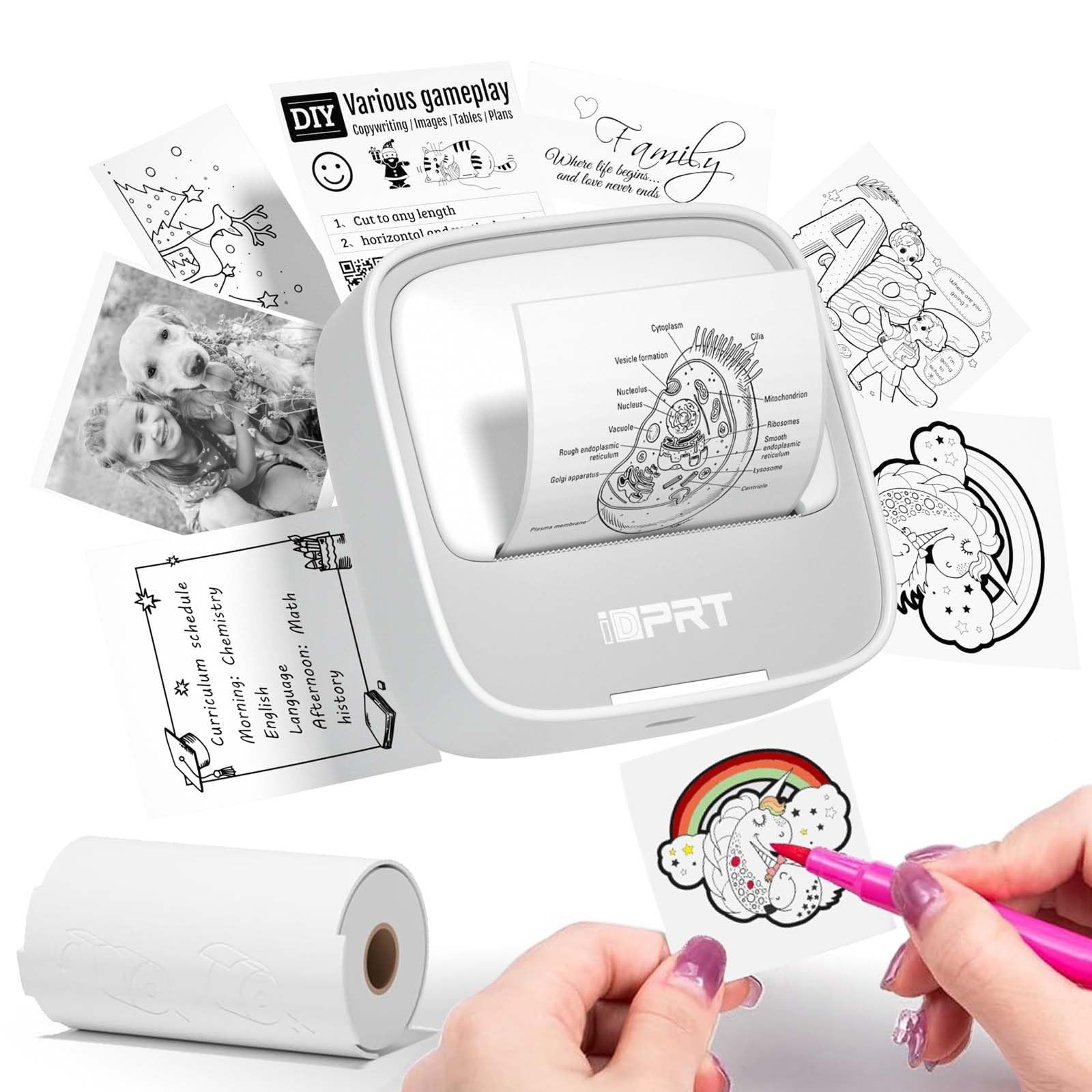
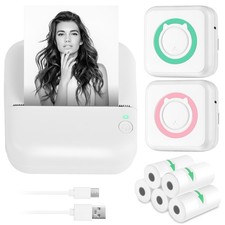
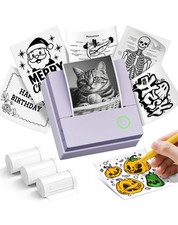
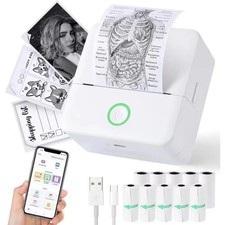
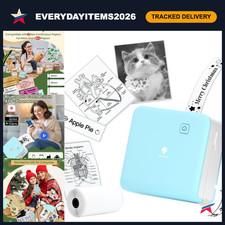
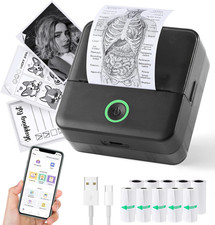
Mini Thermal Label Printer - Your Ultimate Labeling Solution
Transform your labeling experience with our innovative Mini Thermal Label Printer, designed for both beginners and seasoned creators. Discover the key features that make this printer a must-have:
Easy to Use
The user-friendly interface and intuitive controls make creating custom stickers a breeze, even for those without prior experience. Design with ease and enjoy the results in no time.
Portable and Lightweight Design
Our Thermal Label Printer is compact and lightweight, making it easy to carry around wherever you go. Perfect for on-the-go labeling and customization projects.
Customized Label Printing
Easily customize your labels and stickers to suit your needs. Simply connect to the printer and let your creativity take over.
High-Quality Thermal Printing
Utilizing advanced thermal printing technology, our printer produces high-quality labels and stickers at 203dpi. With the ability to print up to 10 inches per minute (4mm/s), you'll finish your labeling projects in no time.
Versatile and Widely Used
Whether you're organizing your home or office, or just creating custom stickers as a hobby, our label maker is the perfect companion. It's versatile, easy-to-use, and can handle a wide range of labeling needs.
What You Can Get
- Mini Sticker Printer
- 1 roll of thermal paper
- User Manual (USB charger cable not included)
No repairs needed, just a swift exchange if necessary.
Important Note
If during use, the indicator light flashes or the app shows 'out of paper,' please check if the cover is securely closed and if the paper is correctly placed with the right side up. If you encounter blurry printing, try opening the printer cover, pressing down in the middle