 When you click on links to various merchants on this site and make a purchase, this can result in this site earning a commission. Affiliate programs and affiliations include, but are not limited to, the eBay Partner Network. When you click on links to various merchants on this site and make a purchase, this can result in this site earning a commission. Affiliate programs and affiliations include, but are not limited to, the eBay Partner Network.
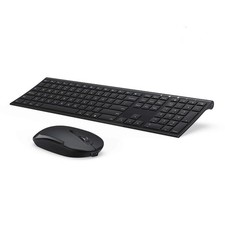
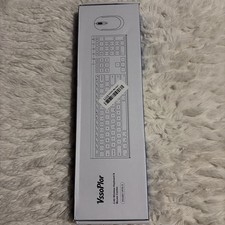
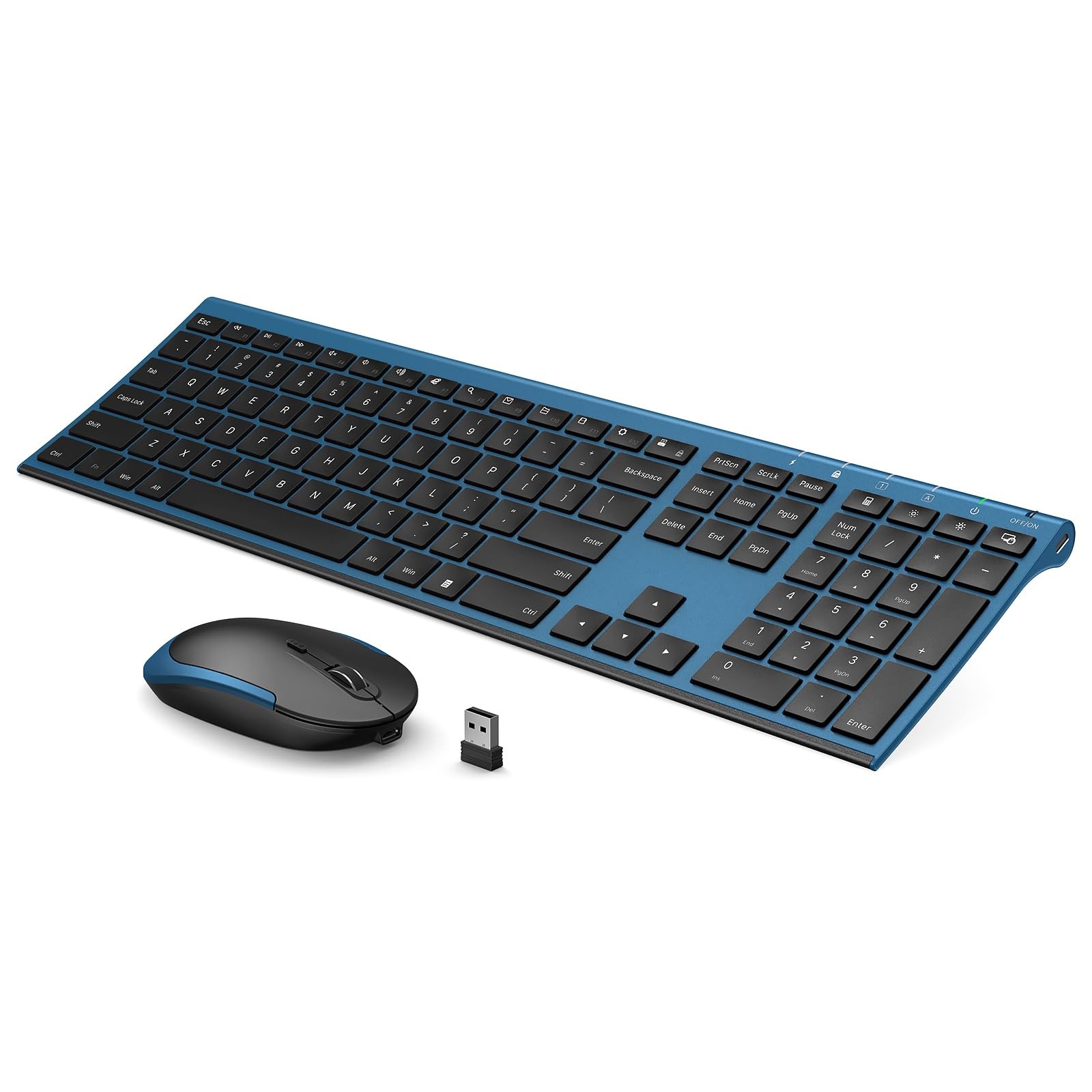
Vssoplor Wireless Keyboard and Mouse, Rechargeable Ultra Slim, Black BlueFree shipping on every order • Hassle-free returns✓Fast ShippingQuick order processing★Quality ProductsCarefully sourced items↻30-Day ReturnsShop with confidence🔒Secure OrderingSafe checkout via Product Highlights - ♥Adjustable DPI & Ergonomic Design: 3 DPI levels (1000/1600/2400 DPI) allows you to change the cursor sensitivity easily and track more smoothly over a variety of surfaces. Contoured shape fits your hands perfectly, reducing hand fatigue
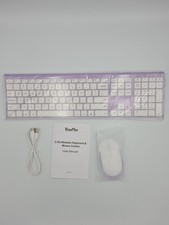
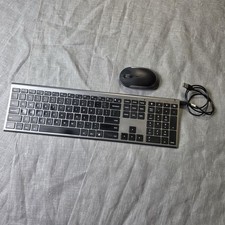
- ♥Rechargeable & Auto Sleep Mode: This keyboard and mouse combo can be easily charged with included charging cable. Built-in rechargeable battery supports using for over one month with a single fully charge. It can automatically enter into sleep mode in order to save energy and press any key to wake it up
- ♥Full Size & Ultra Slim: Ultra slim (5.5mm) keyboard looks more stylish and elegant. High-End Scissor Switch design provides a better tactile response and comfortable and whisper quiet typing experience
- ♥Hot Keys & Compatibility: The full size keyboard includes fast-access hot keys, versatile function keys and number pad which can improve you work efficiency. Compatible with Computer, Laptop, Desktop, PC, Notebook, Windows XP / Vista / 7 / 8 / 10 or later
- ♥How to re-pair the keyboard and receiver? Turn on the keyboard switch, hold ESC+Q to enter Pairng Mode. You will see the indicator light flashing. Insert the usb receiver to your computer, place keyboard as close as you can and wait for a bit or until the light stop flashing. And there we paired the keyboard. Pair the mouse: Hold down the mid wheel and right click button and turn on the mouse switch simultaneously, wait for 2 seconds to enter pairing mode. Place mouse as close as you can to pair. Now release the button. Note: If this doesn't work, please turn off all wireless device around you and try the entire process again. Remember to pair the keyboard first, then the mouse.
- ♥Please Note: The USB receiver is located on the back of the mouse to prevent loss
Take a Closer LookItem DetailsBrandVssoPlorConditionBrand NewNotesPlease allow 1-2 business days for order processing.Returns and Refunds - Support: If something isn't right, contact us through and we'll make it right.
- Refund Process: Refunds are issued after the item is received and checked.
- Item Condition: Please return items in the condition they arrived.
Shipping - Reliable Delivery: We ship to most U.S. addresses using trusted carriers.
- Estimated Arrival: Most orders arrive within 3-7 business days.
- Tracking: Tracking details are uploaded when available through the order page.
- Restrictions: Some locations or product categories may have shipping limitations.
Our PromiseWe focus on clean listings, quick handling, responsive communication, and a smooth buying experience from checkout to delivery. Our goal is to make every order simple, fast, and reliable.Questions?Have a question before you buy? Message us on and we'll reply quickly.Thank you for your business!Save our store for more great deals and new arrivals.  |
|