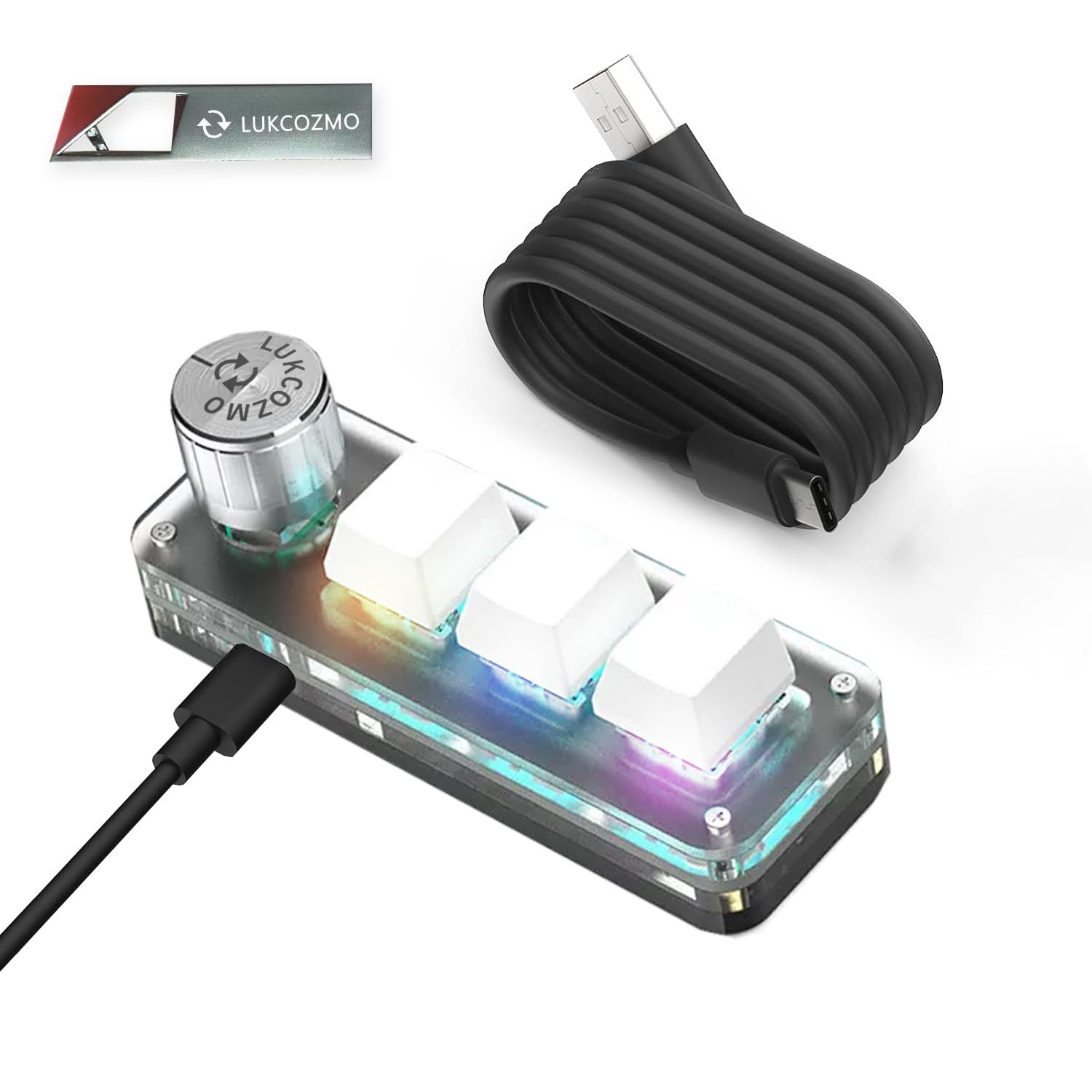
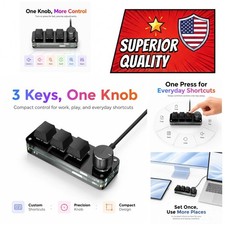
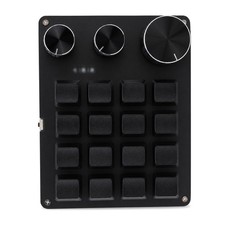
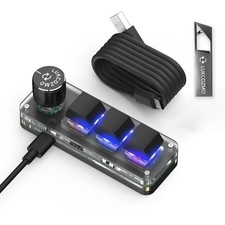
Macro Pad Marcro Keyboard Programmable Keypad Customizable 3-Key Mini Mechanical Gaming Keyboard, One Handed Keyboard for iOS&Windows Multifunctional Macropad wtih RGB LED Backlit & Type C 1m Cable
Update Software in USB Drive with User-Friendly Interface and Floating Window: Features user-friendly interface and real-time floating window to help you remember the function of each key being used. This one handed keyboard macro mechanical gaming keypad can make your work faster and more efficient. The 3 non-conflict keys with macros allow you to press or hold multiple keys simultaneously, giving you an accurate, high-speed response, and a new level of gaming and typing experience
Programmable Keypad with Type-C Interface: Type-C to USB interface, HID is driver-free. After setting on Windows, the macro keyboard can be plug and play on Linux, Mac OS, Windows, Pi, and more. With memory function, there is no need to set macropad again next time. After setting, the macro keypad can also be used by other computers. One computer can be plugged into multiple gaming keyboards and can be used normally. Compact and elegant design allows you to carry the micro keyboard anywhere
Custom Configurations with Multiple Function Modes: The mini keys keyboard supports multiple function modes, each button can be set to a different function mode without affecting each other, allowing for personalized customization based on your specific needs
RGB Keyboard with Macro Keys and Customizable Lighting: RGB led backlight can be individually adjusted for key press action display mode and on or off in configuration software. This macro pad keyboard can set a one-key macro operation with multi-key mode. Pressing a key is equivalent to pressing multiple single keys continuously. Up to 15 keys are supported. You can also add an interval time, such as a one-key password. Just set the function you want on the key, then drag the function key to the corresponding virtual key, and remember to click FLASH THE KEYBOARD
Work Partner and Game Enhancement Tool: The mechanical keyboard can save time during working via one-click copy, paste, delete, or one click to open the system settings, which can improve the efficiency of working. It also functions as a game enhancement tool where you can do multiple combos or shovel slide with one click
Portable Device OSU Keypad with Space-Saving Design: One-handed gaming keypad with mini small size effectively saves desktop space. The mini keypad and 1m USB cable can be plugged and unplugged at will, which is convenient for office carrying. You can connect the keypad with plug and play functionality and keyboard with the same computer at the same time, and they will not interfere with each other