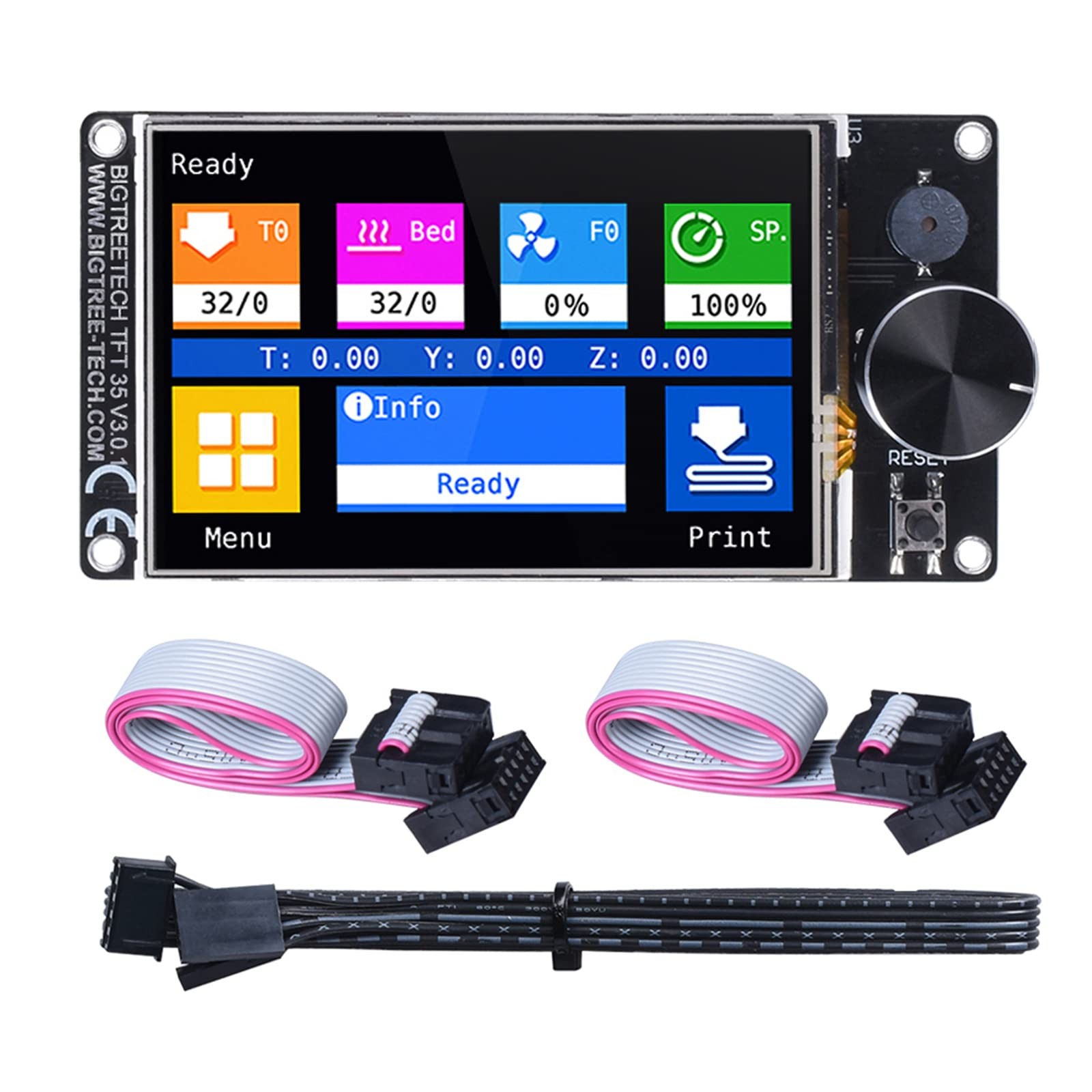
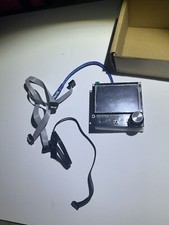
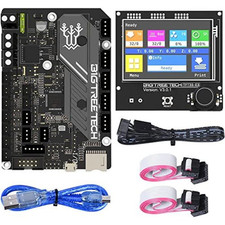
BIGTREETECH TFT35 V3.0.1 Touch Screen Display with Two Working Modes
- 32 Bit Microprocessor: BIGTREETECH TFT35 V3.0.1 display adopted ARM Cortex-M3 series GD32F205VCT6 master controller chip with 32-bit CPU main frequency of 120 MHz, BTT TFT35 V3.0.1 touch screen can perfectly replace the LCD12864 screen for use. When running Klipper,only support 12864 mode. If want to touchscreen, can choose HDMI5 V1.2 Klipper touchscreen.
- Dual Working Modes: BTT TFT35 V3.0.1 display enables two different modes, with options for either LCD12864 encoder mode, or the modern colour touch screen style. It also supports both SD card and USB stick printing.
- More Reserved Extensions: TFT35 V3.0.1 touch screen reserves the extension ports of filament break detection, automatic shutdown after printing, also WIFI function can be realized by external WIFI module through WIFI port. compatible with SKR MINI E3 V3.0/SKR V1.4 Turbo/Octopus/SKR 3/SKR 3 EZ/Manta M4P/5P/8P Control board.
- Easy Firmware Updates: It is easy and convenient to update firmware by SD card, simply downloading from Github, coping and saving it to SD card. firmware must be reserved, then re-plug the SD card and wait to 10s. That's all takes to finish updating on firmware.
- Technical Supports: If you have any problems about BTT TFT35 V3.0.1 touchscreen, please feel free to tell us on Amazon. Our technical supports team will help you solve it
Board specifications:
Size: 110x58mm
Input voltage: 5V DC
Installation size:103.76 * 49.43 mm
Notes:
1. When using 12864 screen mode, connect the port EXP1 and EXP2 to the motherboard.
There is no touch function in this mode. (If you want to use the
SKR MINI E3 or SKR E3 DIP, just connect EXP3 to the motherboard.)
2. When using serial port screen mode, connect with TFT or aux-2
on the motherboard via RS232. This mode has touch function.
3. Two work modes can be changed by one key. Press the rotary
encoder for about 3 seconds until the mode selection page
appears, then press the encoder after selecting
Onboard LED information:
- Red light D2 is the power indicator; it is on when the board is powered.
- Red light D1 is SD card detection indicator; it is on when a SD card isinserted.
Firmware:
The screen will be shipped with a test firmware, it can be used directly. The firmware is customizable according to your needs.
You can find the needed firmware files on our Github page: Please search BIGTREETECH at GitHub
Firmware update method:
Firmware file name: BIGTREE_TFT35_V3.0.1(version number).bin
Fonts & icons folder name: TFT35
First copy the above firmware and TFT35 folder to SD root
directory, and then insert the card into the SD card slot of the board.
Next, boot the board or press the reset key, then wait for
firmware, fonts and icons update is completed.
For customizable firmware, please refer to the file TFT35-V3.0-PIN.
Notes:
1. The firmware file name in the SD card cannot be changed, including capitalization.
2. Ensure that all wires and connectors are correctly plugged in before power-on.
Shipping
- We offer FREE shipping on all orders!
- We ship within Three business days of payment, usually sooner.
- We use a selection of shipping services such as UPS, FedEx, USPS etc.
- We only ship to the lower 48 states, no APO/FPO addresses or PO Boxes allowed.
- Local pickups and combined shipping options are not provided at this time.
Return
- You can return a product for up to 30 days from the date you purchased it.
- Any product you return must be in the same condition you received it and in the original packaging. Please keep the receipt.
Payment
We accept payment by any of the following methods:
PayPal
Please pay as soon as possible after winning an sale, as that will allow us to post your item to you sooner!
response
Customer satisfaction is very important to us.
If you have any problem with your order, please contact us and we will do our best to make you satisfied.
Contact Us
If you have any queries, please contact us via . We usually respond within 24 hours on weekdays.
Please visit our store to check out other items for sale!
Thank you for shopping at our store.