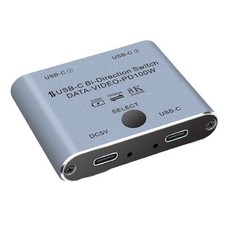
Bi Directional USB C KVM Splitter for 8K@60Hz/4K@144Hz Video Transfer+100W4358 USB C Switch/Spliiter with 8K Video Display, 100W PD Charging and 10Gbps Transfer
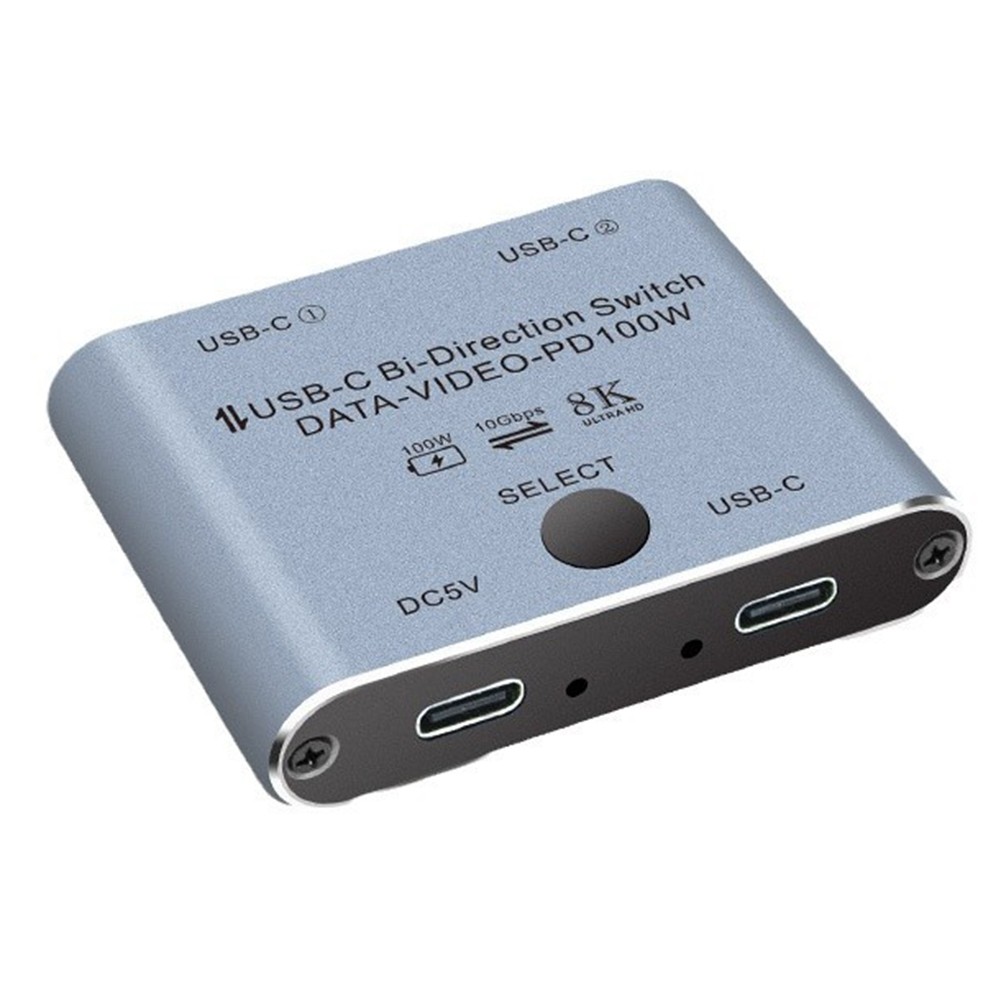
Interface:USB-C / USB-C1 / USB-C2.
This USB C KVM Switch is a novel and practical USB-C full-function two-way switch, and support USB3.1 Gen2 10Gbps bandwidth high-speed transmission, 8K ultra HD display video, PD 100W charging, two-way communication and one-key switch of USB3.1 signal.
Can easily realize two USB-C computers share a display device, through the button can choose which computer to connect the display device, but also can easily realize a computer share the use of multiple external devices, such as printers, USB flash drives, video cameras, etc., saving the trouble of frequently unplugging the cable of the device.
PD 100W Reverse Charging: USB-C1 or USB-C2 Port support PD 100W Reverse Charging. Use this 8K USB C splitter to fast charge type-c cell phones, laptops, and other devices up to 100W while it's working. Note: The monitor, cable, and device you use should support fast charging.
Bi-Directional USB C Switcher:
→ Mode1 Splitter → 1 video source shares 2 monitors (2 monitors can not work at the same time!)
→ Mode2 Switcher → 2 video sources share 1 monitor
Product connection schematic diagram:
Mode1 USB-C1 and USB-C2 connect to the laptop by wiring, USB-C header connect to the display, through the key switch, shared using a screen. USB-C DC/5V requires external power supply.
Mode2 USB-C head connected to laptop, USB-C1 and USB-C2 can connect to USB-C external equipment, expansion dock, mobile hard disk, printer, etc., USB-C DC/5V needs external power supply.
Warm Tips!
Connecting a USB-C/ docking station/hub is recommended.
Need to use the USB cable to power and use standard USB-C USB3.1 Gen2 cables to connect the switch (NOT included).
Please make sure your computer/device has at lea