 When you click on links to various merchants on this site and make a purchase, this can result in this site earning a commission. Affiliate programs and affiliations include, but are not limited to, the eBay Partner Network. When you click on links to various merchants on this site and make a purchase, this can result in this site earning a commission. Affiliate programs and affiliations include, but are not limited to, the eBay Partner Network.
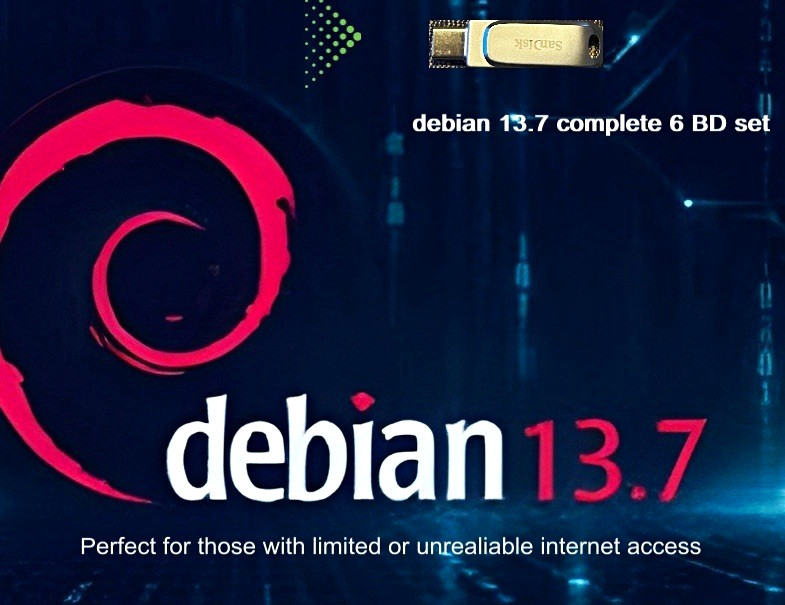
debian 13.7.0 (amd64/intel)complete blu-ray set with 113 gb’s of programs, packages and source code built into the complete installation set on 6 Blu-ray Discs containing much more information than the 27 dvd set. All fitting just perfectly on a usb-c/usb3 SanDisk slim metal usb flash drive providing maximum speed during installation. debian 13.7 BD1 is going to be your installation disc to use to install your system, containing many apps from all categories already installed via the debian 13.7 BD 1.iso images. Now you can load the remaining discs or .iso images via the terminal with a simple cd command. This is a must for people with limited internet access to still be able to install and run programs without the need for a reliable internet signal. Here’s the instructions on how to install BD2-7: Steps to Add an Additional DiscInsert the Disc: Place the second or subsequent Debian CD/DVD into your optical drive, or mount your ISO file.Run apt-cdrom: Open a terminal and execute the command:sudo apt-cdrom addFollow the Prompts: The utility will automatically scan the disc, read its package indexes, and add an entry into your /etc/apt/sources.list file.Repeat for More Discs: Repeat the process for any additional discs in your set.Update Package Lists: Refresh your package database so APT recognizes the new software pool: [1, 2, 3, 4, 5, 6]sudo apt updateUsing an ISO File Instead of a Physical DiscIf you are working with an ISO file rather than a physical disc, you can loop-mount the image and add it manually or point apt-cdrom to the mount point:Create a mount directory:sudo mkdir -p /media/cdrom2Mount the ISO file:sudo mount -o loop /path/to/debian-disc2.iso /media/cdrom2Tell apt-cdrom to use that custom mount point: [1, 2, 3]sudo apt-cdrom -d /media/cdrom2 add  |
|