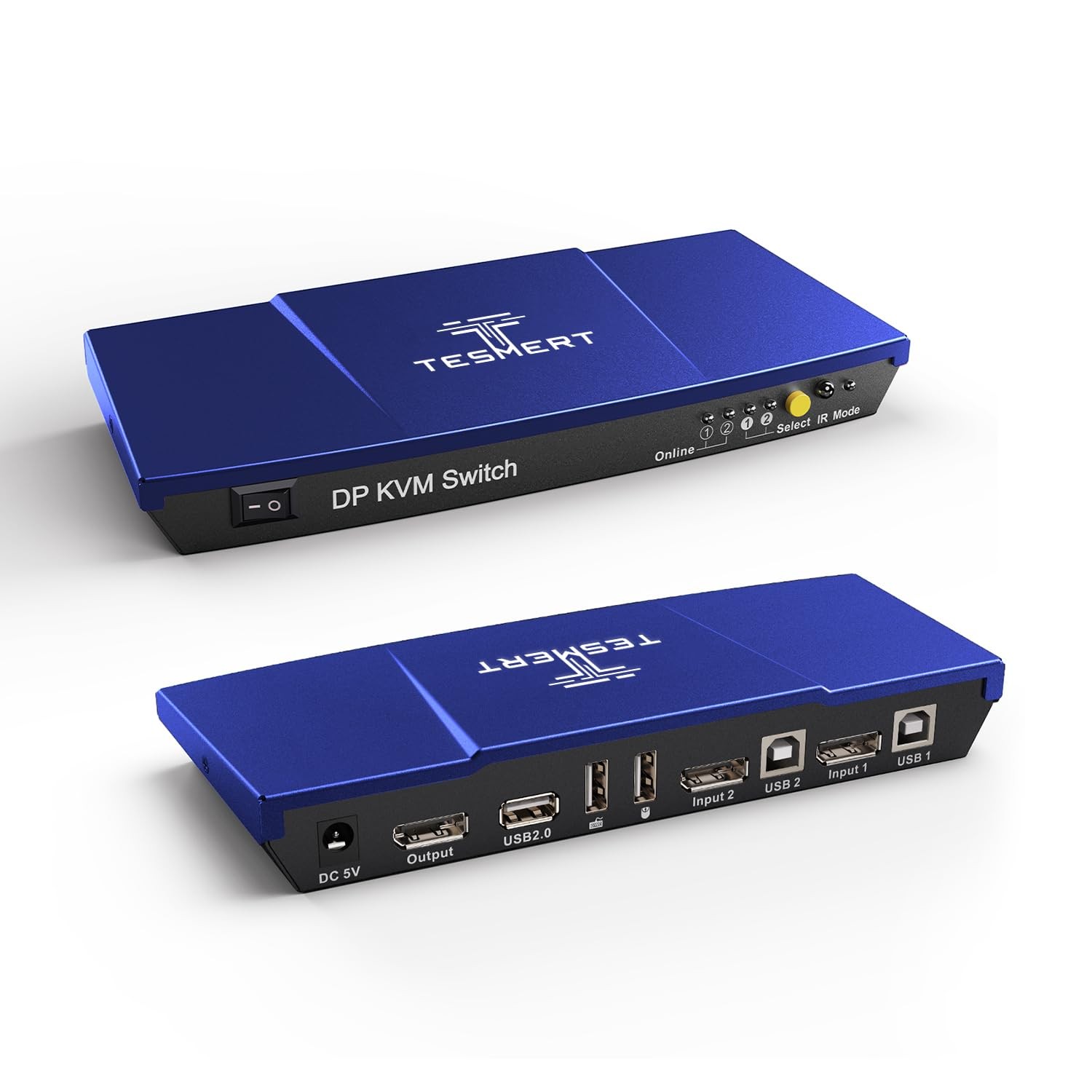
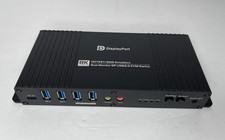
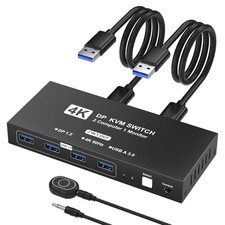
Feature List: This product does not contain any batteries and is powered by DC adapter only 1. Using only 1 set of keyboard, and monitor to control 2 PCs. 2. Support resolution up to 3840*216060Hz. 3. Support hot plug, connect or disconnect devices to the KVM at any time without turning off devices. 4. Support auto switching to monitor computers in a specified time interval. 5. Support front panel button, keyboard hot keys, gesture to control KVM to switch inputs. 6. Available to use keyboard and without any delay after switching input sources. 7. With extra standard USB port, it is possible to connect barcode scanner, USB hard drive or other USB devices to KVM. 8. Support and keyboard pass through mode to improve and keyboard compatibility. Packing List: 1 * 2X1 DP KVM Switch 1 * 5V DC power adapter(This product does not contain any batteries and is powered by DC adapter only) 1 * User manual
【KVM Switch 1 Monitor 2 Computers】This is a DisplayPort KVM Switch T2210, featuring DisplayPort input ports that allow control of computers. It enables 2 computers to share a single keyboard, , and monitor. Its switching function is professional and stable, and it additionally includes standard USB ports for connecting various USB devices. This effectively enhances your desktop organization and work efficiency. This DP KVM switch supports multiple input devices, such as PCs and laptops. It is with various operating systems, including Windows, Linux, and Mac.
【Supports up to 4K60Hz Resolution】The T2210 KVM Switch supports 4K60Hz (3840*216060Hz) resolution, delivering crisp and detailed visuals to your display. It also supports 4K30Hz, 2K, and 1080P resolutions, offering flexible solutions for diverse display needs. This ensures exceptional image quality and smooth multimedia experiences, making it ideal for both daily use and creative work.
【4 Switching Methods】This 4K DP KVM switch offers four switching methods: keyboard shortcuts, front-panel buttons, gestures, and an remote control (batteries not included) to control KVM input source switching. Choose the most convenient method for quick switching—simple and efficient.
【and Keyboard Pass-Through Mode】 No need to worry about restricted keyboard and functionality after connecting to a KVM switch. This 2 PCs 1 monitor KVM switch supports pass-through mode for keyboards and mice, ensuring compatibility with a wider range of devices and enabling full functionality. After switching input sources, your keyboard and become immediately responsive with zero delay, delivering the same seamless control experience as if they were directly connected to your computer.
【Auto Switching & Hot-Swap】This KVM switch also supports auto switching, automatically displaying the screen of either computer at specified intervals. It also supports hot-swap functionality, allowing devices to be connected or disconnected from the KVM switch at any time without powering down the equipment.
【USB Dock & Easy to Use】This 2-PC KVM Switch features an additional standard USB port for stable and highly connectivity with barcode scanners, USB hard drives, or other USB devices. Installation is simple—no drivers required. Just plug in the power supply, connect all cables, and seamlessly switch between computers and monitor.