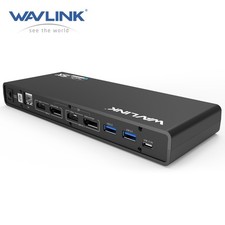
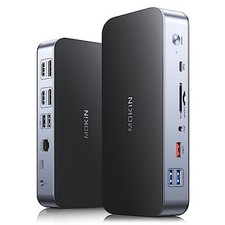
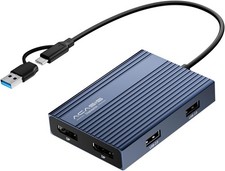
Wavlink Brings Technology to Life
The new USB Type-C connector works seamlessly with this Ultra HD 4K Universal Docking Station.
It can connect to any host with Standard A or Type C connectors providing a fully backward-compatible and
future-proof docking station. Allow you to connect up to two additional monitors and eleven accessories through
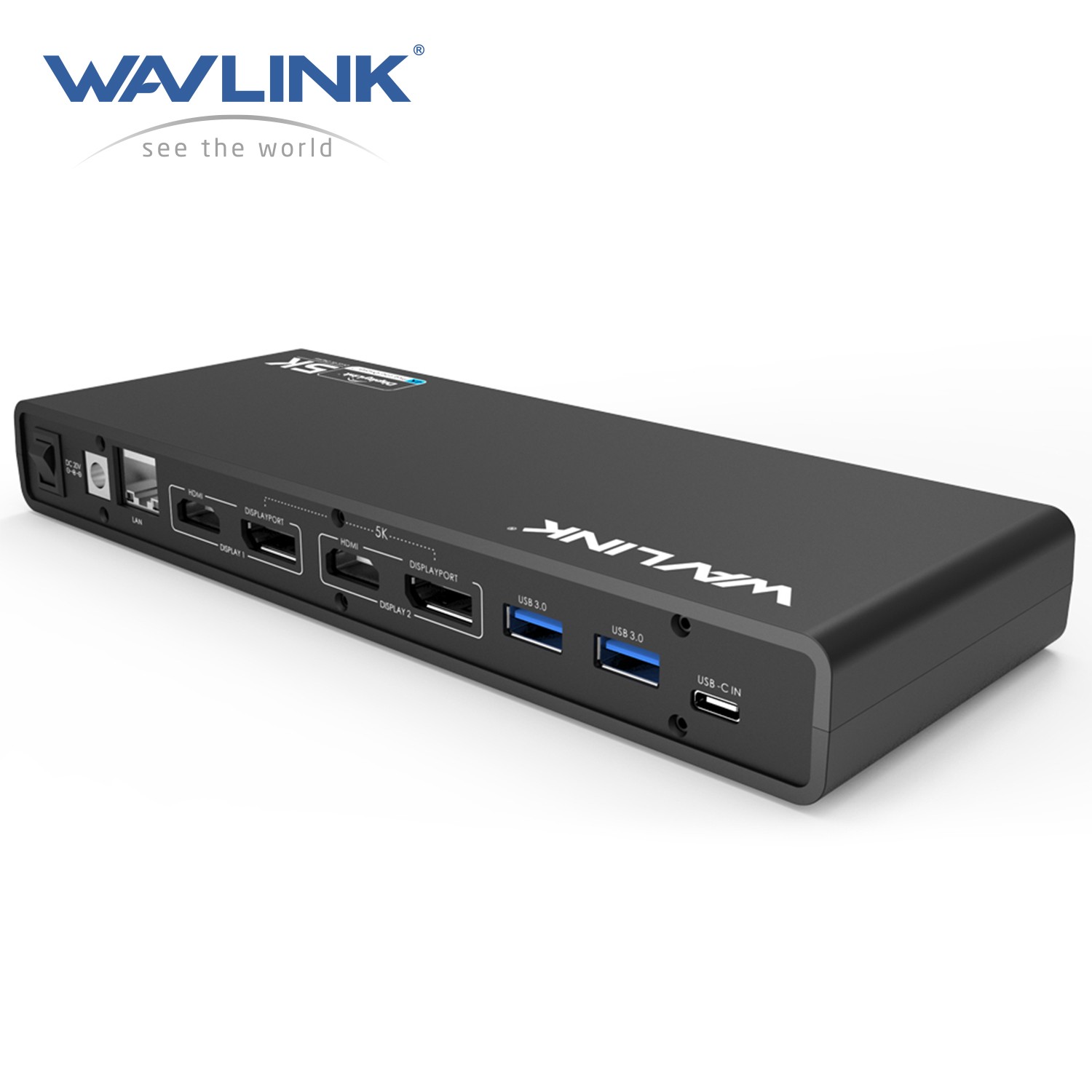
a single USB cable. Including the latest drivers for compatibility with Windows 10/8.1/7 or Apple Mac OS
Unlock the Full Potential of Your MacBook Neo
While the MacBook Neo natively supports only one external monitor—limiting your workspace and slowing down productivity—
the WAVLINK DisplayLink Docking Station changes the game.With WAVLINK, you can effortlessly connectdual 4K monitors,
instantly expanding your screen real estate for a smoother, more efficient workflow.Beyond multi-display power,
the dock is equipped with a wide range of versatile ports—giving you more connectivity, more convenience,
and an all-around elevated experience.
USB-C Connectivity, Better Performance
USB-C is a new technology and has many different capabilities, so it’s extremely important to learn what your host device
can deliver in order to select the correct docking station for your system. USB Type-C connectivity is also the latest and
extremely reliable technology for video performance. As a result, it will provide a crisp and clear display for you.
Designed perfectly for you
With a single cable, the dock can free up space on your desk and in your workspace with the added ability to mount behind
a monitor or on your desk. Great for presentations, the sleek Dock enables fast, efficient connectivity to multiple displays and
all your various peripherals(like a mouse, keyboard or flash drive) through one convenient cable.
5K@60HZ Output
14.7 million pixels give you amazing feast vision, showing every details clearly as like be personally on the scene.
It also helps to improve operational efficiency on images and video editing.
Dual 4K@60HZ
Featuring the DisplayPort and HDMI port, Wavlink Docking Station gives you the flexibility to connect your displays as needed.
It supports dual monitors or a single high resolution 4K monitor. It will greatly help you facilitate high-resolution works,
graphically intensive images, video editing, CAD drawings, medical imagery and more.
SuperSpeed USB 3.0
SuperSpeed USB3.0 provides up to 5Gbps data transfer speeds, which is 10 times faster than USB2.0.
The WAVLINK Universal Dock features 4 ×USB3.0 ports, allowing for SuperSpeed data transfer between peripherals.
Blazing-fast Gigabit Ethernet
Wired network connections are faster and more reliable than any Wi-Fi. The dock helps you tap into the full performance
of wired network connections with built-in Gigabit Ethernet port.
Your Choice of Sound
With separate microphone input and amplified audio output,you can enjoy crystal-clear conference calls or
any other project benefits from having your voice heard. You’ll be amazed at the immersive music it gives you.
System requirements
-Windows 7 (32-bit and 64-bit editions)
-Windows 8 (32-bit and 64-bit editions)
-Windows 8.1 Update 2014 (32-bit and 64-bit editions)
-Windows 10 TH (32-bit and 64-bit editions builds up to 10586)
-Windows 10 Anniversary Update (32-bit and 64-bit editions, tested on build up to 14393)
Windows XP SP2 and Vista are supported by older versions of the DisplayLink software:
DisplayLink USB Graphics Software for Mac OS X
-EI Capitan 10.11
-Yosemite 10.10
-Mavancks 10.9
-Mountain Lion 10.8
-sierra 10.12
-Lion 10.7
-Snow Leopard 100~240V
2.Operating Temperature: 0°C~40°C
3.Storage Temperature: -10~70°C
4.Port: Type-C, 2×DP, 2×HDMI, 6×USB3.0, Earphone and Microphone Jack, RJ-45 Jack, LED, ON/Off Switch
5.Chipset: DL6950 VL813
6.Processor: Core i7
7.Power Adapter: 20V/2A
(Full-Screen Video Playback)
RAM: 4GB
What’s in the package
1 x Wavlink USB C Universal Dock station
1 x DC20V Certified Power Adapter
1 x USB 3.0 C to C Cable
1 x USB 3.0 A to C Cable
1 x CD Driver
1 x Instruction Manual
Note:
HDMI and DP ports in the area of Display1 or Display2, if they are connected to the monitor at the same time, DP will have the priority.