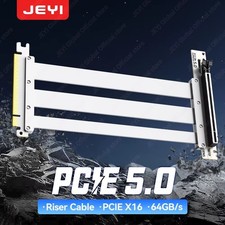
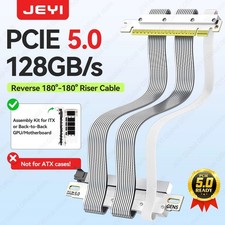
JEYI PCIe 5.0 GPU Riser Cable
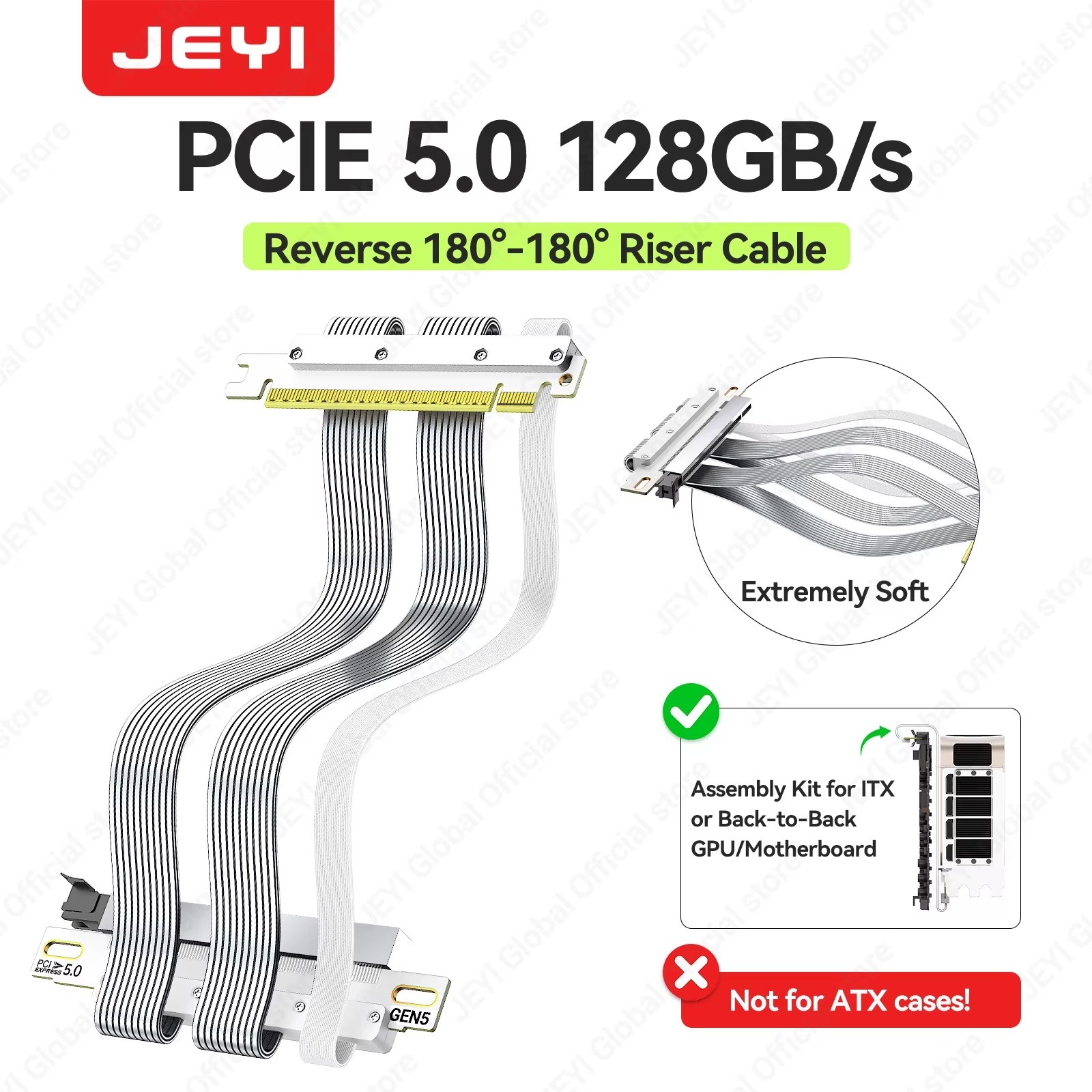
128GB/s Dual Reverse 180° Flat Cable for ITX Builds 🚀
Important: Confirm your case and motherboard layout before ordering. If your GPU fails to recognize or you see instability at Gen5 speeds, set the slot speed to Gen4 in BIOS, a negligible (under 0.5%) performance change. This cable is backward compatible with PCIe 4.0 and 3.0.Key Features⚡ 128GB/s Bandwidth
32GT/s PCIe 5.0 signaling, 64GB/s unidirectional, for maximum GPU throughput.
🛡️ EMI-Shielded Build
30AWG double-shielded flat cable with a 6-layer low-impedance PCB and ABS cover for signal integrity.
🔧 Dual Reverse 180° Design
Folded ends minimize impedance discontinuity and crosstalk, ideal for back-to-back ITX layouts.
🔌 Gold-Plated Connectors
5U gold-plated, corrosion-resistant terminals with high-quality shielded connectors rated up to 75W power 5.0 x16Bandwidth128GB/s offerirectional, 64GB/s unidirectionalCable Gauge30AWG double-shielded flat cableCable Thickness0.9mm single layerPCB6-layer low-impedance board, folded endsConnector Type5U gold-plated, shielded terminalsPower DeliveryUp to 75WDesignDual reverse 180° to 180° folded endsProtectionABS protective coverCompatibilityBackward compatible with PCIe 4.0 and 3.0; works with RTX 50/40-series and other high-end GPUsUse CaseITX cases, multi-GPU workstations, DIY buildsProduct ImagesFAQQ: Will this work with my ITX case?
A: Typical lengths are 18.5cm, 20cm, and 25cm for back-to-back GPU/motherboard layouts. Please confirm your case and motherboard model before ordering.
Q: Is it compatible with PCIe 4.0 and 3.0?
A: Yes, the cable is fully backward compatible.
Q: What if my GPU is not recognized at Gen5 speed?
A: Set the graphics card slot speed to Gen4 in your motherboard BIOS. The performance impact is negligible, usually under 0.5%.
Q: What GPUs does this support?
A: It supports RTX 50-series, RTX 40-series, and other high-end graphics cards.