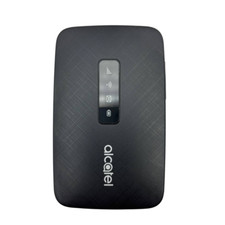
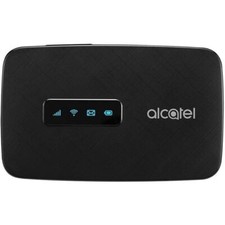
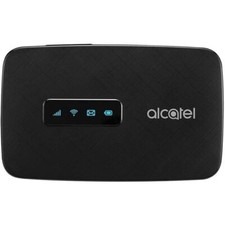
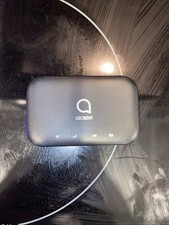
It comes with a Charger and an USB Cable.
WIFI Setup Instruction:
- First of all, you need to insert a GSM carrier's sim card into the hotspot.
- Then you plug in the hotspot using a USB cable into the computer, The web browser will open up the hotspot login page automatically (if not, go to my computer icon to double click the device logo).
- The cover page password has defaulted as "admin". Then you would need to go to the settings page to change the SSID name and the Password of your own.
***If the device ask you to provide 10 digits code. Please stop all, and let me know immediately.Alcatel Linkzone Hotspot for Wireless Internet WiFi
4G LTE Locked to T-Mobile
Model MW41T
Excellent working condition.
Free shipping
Comes with battery, back cover, manual, generic charger and cable (may not be the Alacatel brand one pictured)BatteryUsage time: 7 hoursStandby time: 35 hoursBattery size/type: 1800mAh, 3.8vWireless charging type: USBMemory256MB NAND Flash + 128MB LPDDR2Supports up to 32 GB MicroSD cardConnectivityFDD DL up to 150 Mbps/ UL 50MbpsWiFi 802.11 b/g/n – 2.4 GHzNetworkAT&T, T-Mobile, and most other GSM NetworksLTE bands 2,4,12GSM bands: 850, 900, 1800, 1900WCDMA: 1, 2, 4, 5