 When you click on links to various merchants on this site and make a purchase, this can result in this site earning a commission. Affiliate programs and affiliations include, but are not limited to, the eBay Partner Network. When you click on links to various merchants on this site and make a purchase, this can result in this site earning a commission. Affiliate programs and affiliations include, but are not limited to, the eBay Partner Network.
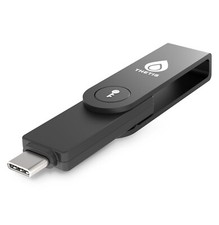
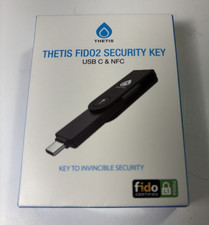
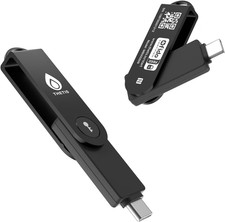
- FIDO2 Passkey Authentication: Achieve secure, passwordless login with FIDO2 passkey support, compatible with a wide range of platforms including Windows, macOS, Linux, Gmail, Facebook, Dropbox, and GitHub.
- Enhanced Multi-Factor Authentication (MFA): Strengthen account security using either FIDO2.0 authentication or TOTP/HOTP codes via compatible apps, providing flexible options for added protection.
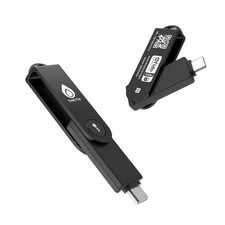
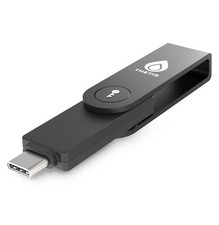
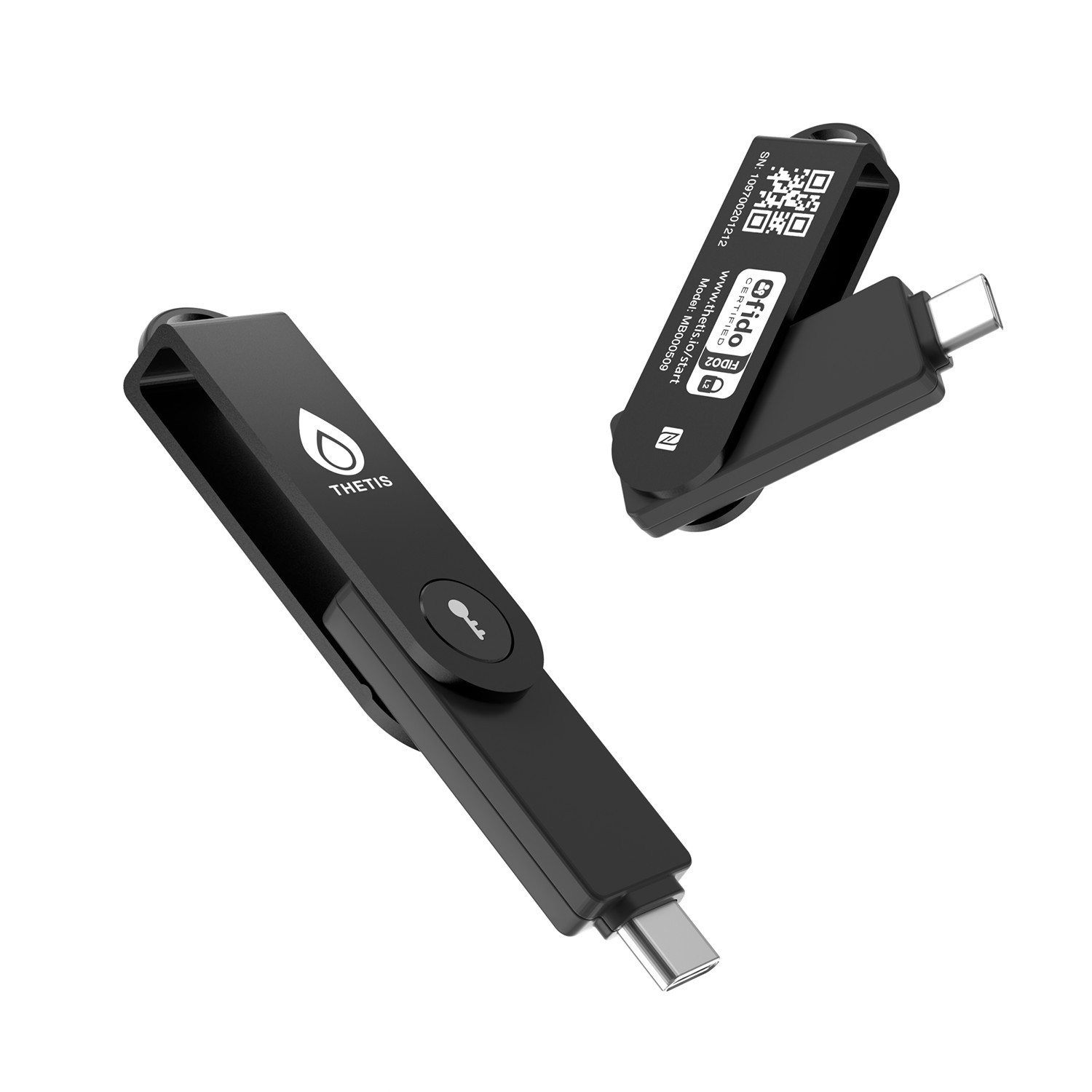
- Universal Connectivity: Features USB-C and NFC compatibility, making it easy to use across various devices including PCs, Macs, iPhones, and Android phones for seamless integration.
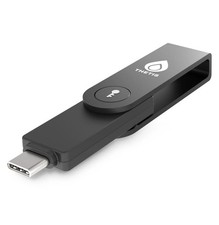
- Durable & Portable Design: Built with a 360° rotating metal cover for extra durability. Compact and lightweight, it easily attaches to a keychain for on-the-go convenience. No batteries or network required, ensuring dependable use anywhere.
- FIDO Certified & Business-Ready: Certified for FIDO standards and supported by a range of management software suites, ideal for both individual users and enterprise deployment.
- FIDO2 Level 1 (L2) certification
AAGUID: these 3 steps to activate your Thetis FIDO2 Key and pair it with any compatible online service: 1.Set your PIN:Plug the key into your computer and use the Thetis Manager app or your browser settings to create a hardware PIN. 2.Register the key:Go to the security settings of your online account (like Google or GitHub), select "Add Security Key," and enter your PIN when prompted. 3.Authenticate:Tap the flashing sensor on the key to finalize the pairing and secure your account.
 |
|