 When you click on links to various merchants on this site and make a purchase, this can result in this site earning a commission. Affiliate programs and affiliations include, but are not limited to, the eBay Partner Network. When you click on links to various merchants on this site and make a purchase, this can result in this site earning a commission. Affiliate programs and affiliations include, but are not limited to, the eBay Partner Network.
- About this item
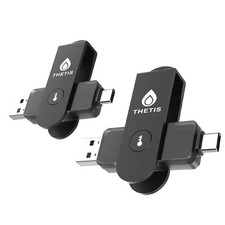
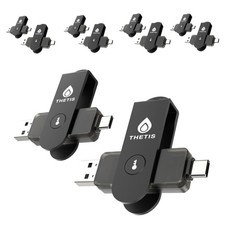
- FIDO2 & Passkey Ready: Business-ready and FIDO2 L2 certified. This key is supported by major management suites and is ideal for both individual and enterprise deployment. Works seamlessly with Gmail, Facebook, GitHub, Dropbox, Coinbase, and more.
- Dedicated Manager App: Use the Thetis Manager App for the initial hardware PIN setup. Setting the PIN on the device first ensures a smooth registration process. Once the PIN is configured, you can begin registering the key across your favorite FIDO2-compatible online services.
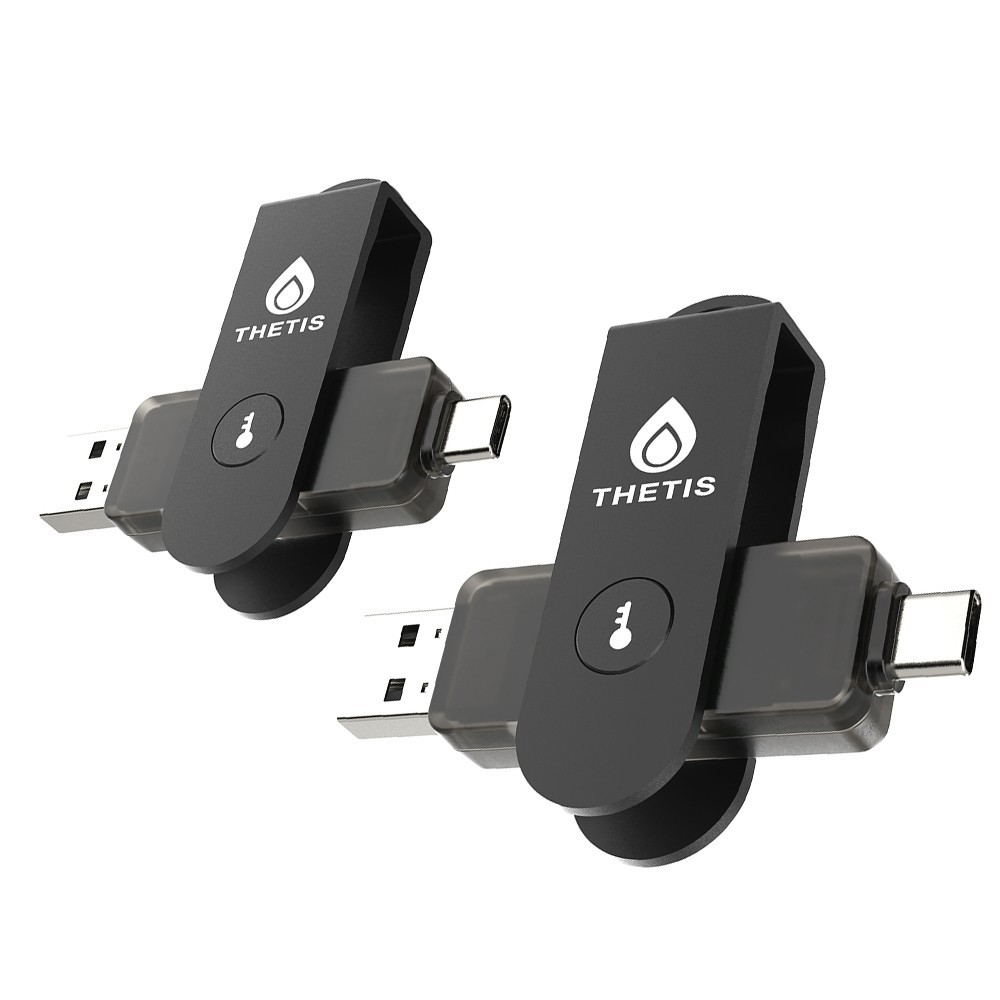
- Universal Connectivity (USB-C, USB-A, & NFC): Designed for PCs, Macs, iPhones, and Android. For mobile use, simply unfold the key, align it with your phone’s NFC antenna, and hold for a few seconds to authenticate.
- Enhanced MFA (FIDO2 & TOTP/HOTP): Strengthen your security with flexible options. Use the Manager App to access TOTP/HOTP features for accounts that do not yet support FIDO2.
- Fully compatible with ID Austria, this hardware key meets the mandatory FIDO2 Level 2 (L2) security standard. Check FIDO2 compatibility before purchase - Known limitations: Windows Hello login only works with Windows Enterprise editions that support Entra ID. NFC is supported only through mobile authentication, Not MacOS/windows.
- Ultra-Durable & Portable: Featuring a rotating metal cover, this key is water, crush, and tamper-resistant. It fits easily on a keychain and requires no batteries or network connectivity.
Follow these 3 steps to activate your Thetis FIDO2 Key and pair it with any compatible online service:1.Set your PIN:Plug the key into your computer and use the Thetis Manager app or your browser settings to create a hardware PIN. 2.Register the key:Go to the security settings of your online account (like Google or GitHub), select "Add Security Key," and enter your PIN when prompted. 3.Authenticate:Tap the flashing sensor on the key to finalize the pairing and secure your account.
 |
|