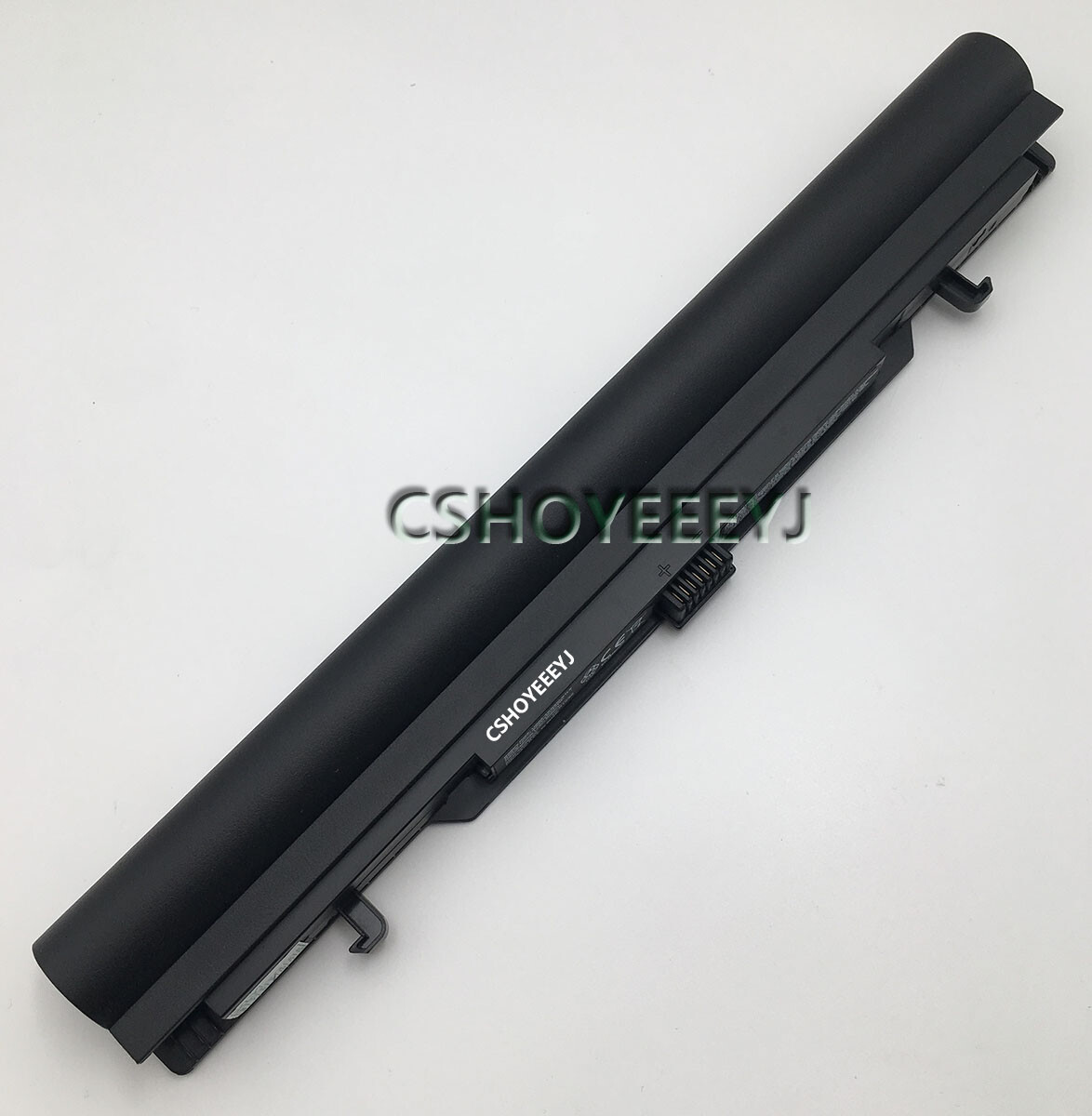
US55-4S3000-S1L5 Laptop battery For MEDION Akoya S6212T MD 98456 MD99270
Specifications
Material: Li-Polymer
Capacity:3000mAh/45Wh
Voltage:15V
Property: New Genuine Battery
Shipping time:1-2 business days after your payment,except weekend/vacation
CompatibleFor
40046152, 4ICR19/66, US55-4S3000-S1L5
Compatible with Laptop Models
For MEDION
Akoya MD 98454, Akoya MD 98456, Akoya MD 98457, Akoya MD 98545, Akoya MD 98546, Akoya MD 98547, Akoya MD 98549, Akoya MD 98596, Akoya MD 98736, Akoya MD98453, Akoya MD98455, Akoya MD98458, Akoya MD98548, Akoya MD98549, Akoya MD98733, Akoya MD99270, Akoya S6212, Akoya S6212T(MD 99270), Akoya S6611T, Akoya S6615
Noted:Please confirm your original battery model before you offerding it.If it is not here,please kindly contact with us first, We are always here to serve you.
Package including
1 xLaptopBattery
1x Box
About Return
a . 12 Month Warranty,60 days exchange,30 days money back guarantee.
b . Buyers pay shipping fees when return products for exchange or refund. If it is buyer's own responsibility
c . For all returned products, Please contact us for the returning address before arrange.
d . Return items MUST have all ORIGINAL packaging and accessories.
Contact us
All emails and messages will be answered within 1 business-day. We apologize for the late reply during the holidays.
PleaseONLYuse message center to contact us, so we could NEVER miss your email.
Please do not open Negative/Neutral response before contacting us,please do not worry,we are always here to serve you,we will take care of you and do our best.
For further business cooperation,pleasecontact us.
Laptop battery replacement instructions:
1. Discharge the new battery use to 5%(not to 0%) and then charge to 95%, and cycle 3-4 times.
2. Do not disassemble, crush or puncture. Do not dispose of in fire or water.
3. Don't connect adapter for a long time while using the battery. It may damage the battery.