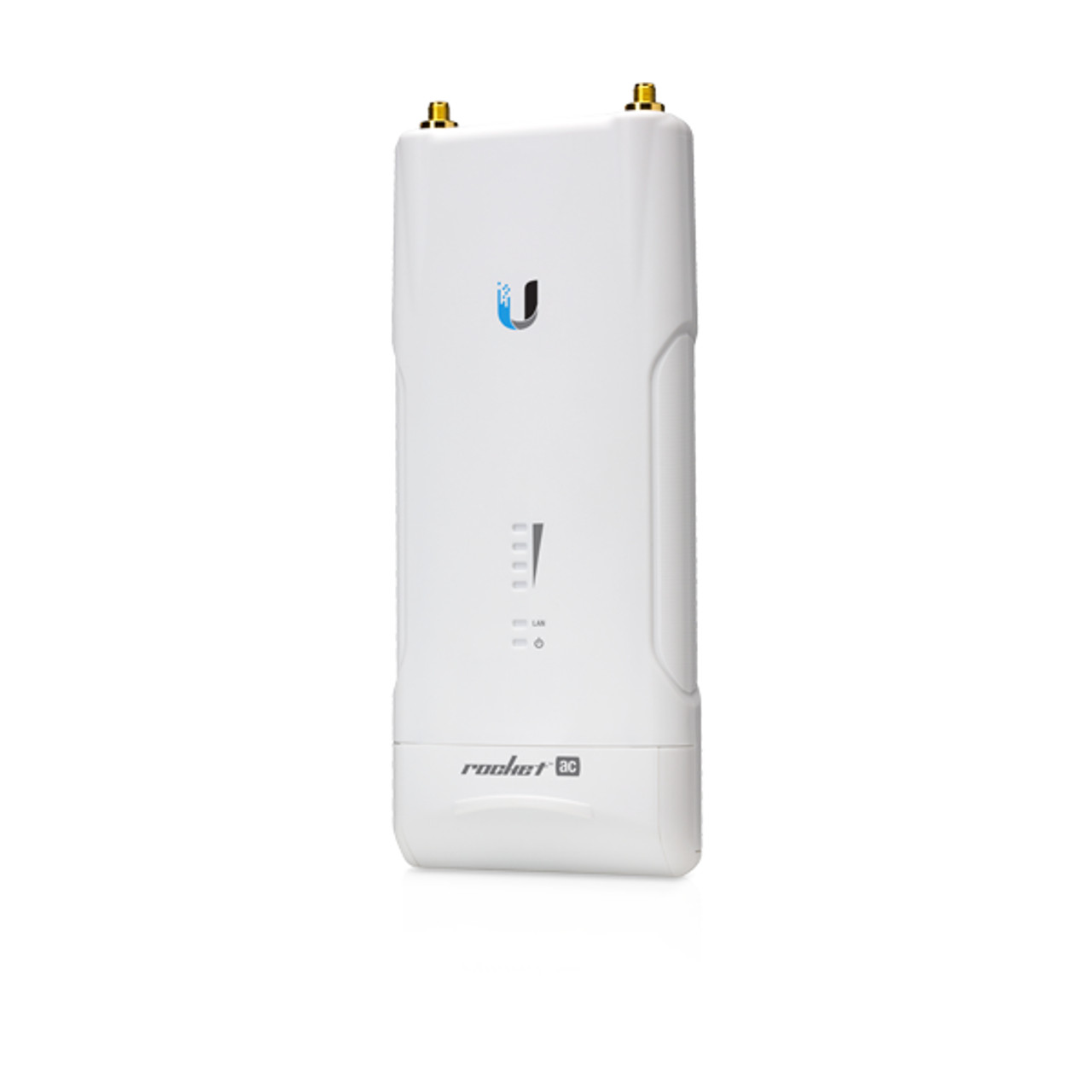
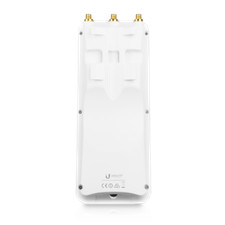
New Ubiquiti Networks ROCKET AC R5AC-PTP 5 GHz airMax Point to Point Backhaul
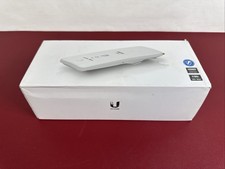
Package ContentsRocket5ac PtPGigabit PoE Adapter (24V, 0.5A)Power CordInstallation Requirements
- Shielded Category 5 (or above) cabling should be used for all wired Ethernet connections and should be grounded through the AC ground of the PoE.
We recommend that you protect your networks from harmful outdoor environments and destructive ESD events with industrial-grade, shielded Ethernet cable from Ubiquiti. For more details, visit[link removed by ]
Hardware Overview
RP-SMA Antenna Connectors
Used to attach RF cables (not included).
LEDs
SignalIn airOS®, you can modify the wireless signal strength threshold values for each LED on the Wireless tab under Signal LED Thresholds. Each LED will light when the wireless signal strength is equal to or greater than the LED’s threshold value. The default values are shown below:
LANThe LAN LED will light steady blue when an active Ethernet connection is made to the LAN port and flash when there is activity.
PowerThe Power LED will light blue when the device is connected to a power source.
Reset Button
To reset to factory defaults, press and hold the Reset button for more than 10 seconds while the device is already poweredon. Alternatively, the device may be reset remotely via a Reset button located on the bottom of the Gigabit PoE adapter.
LAN
The Gigabit Ethernet port is used to connect the power and should be connected to the LAN and DHCP server.
Hardware Installation
The Rocket5ac PtP is designed to mount directly onto a Ubiquiti airMAX RocketDish™antenna.
Connecting Power
WARNING:The switch port must comply with the power specifications listed in this Quick Start Guide.
OR
Accessing airOS
Connect to the airOS® Configuration Interface.
- Make sure that your host machine is connected via Ethernet to the device.
- Configure the Ethernet adapter on your host system with a static IP address on the 192.168.1.x subnet.
- Launch your web browser. Typehttps://192.168.1.20in the address field. Pressenter(PC) orreturn(Mac).
- Select your Country and Language. You must agree to the Terms of Use to use the product. Click Continue.
- Create a username and password. Confirm your new password and then click Save.
The airOS Configuration Interface will appear, allowing you to customize your settings as needed. For details, refer to the User Guide available at[link removed by ]
Installer Compliance Responsibility
Devices must be professionally installed and it is the professional installer's responsibility to make sure the device is operated within local country regulatory requirements.
Antenna
Select your antenna from the list. If Calculate EIRP Limit is enabled, transmit output power is automatically adjusted to comply with the regulations of the applicable country. For a Custom antenna, Antenna Gain is entered manually. Note the requirements and antenna types listed below.
Cable Loss (When applicable)
Enter the cable loss in dB. Output power is adjusted to compensate for loss between the radio and the antenna.
This radio transmitter FCC ID: SWX-R5ACPTP / IC: 6545A-R5ACPTP has been approved by FCC / ISED Canada to operate with the antenna types listed below with the maximum permissible gain for each antenna type indicated. Antenna types not included in this list or having a gain greater than the maximum gain indicated for that type, are strictly prohibited for use with this device.
Certified Antenna Types
Antenna
Frequency
Gain
Patch
5 GHz
6 dBi
Sector
5 GHz
22 dBi
Dish
5 GHz
34 dBi
Specifications
Rocket5ac PtP
Dimensions
198.5 x 86.4 x 44.1 mm (7.82 x 3.40 x 1.74")
Weight
295 g (10.41 oz)
Networking Interface
(1) 10/100/1000 Ethernet Port
RF Connectors
(2) RP-SMA (Waterproof)
LEDs
Power, LAN, (4) Signal Strength
Enclosure
Outdoor UV Stabilized Plastic
Max. Power Consumption
8.5W
Power Supply
24V, 0.5A Gigabit PoE Adapter (Included)
Power Method
Passive PoE (Pairs 4, 5+; 7, 8 Return)
Operating Temperature
-40 to 80° C (-40 to 176° F)
Operating Humidity
5 to 95% Noncondensing
ESD/EMP Protection
± 24KV Contact / Air for Ethernet
Shock and Vibrations
ETSI300-019-1.4
Certifications
CE, FCC, IC
Operating Frequency (MHz)
Worldwide
5150 - 5875
US/CA
U-NII-2C:
5470 - 5725
U-NII-3:
5725 - 5850
Safety Notices
- Read, follow, and keep these instructions.
- Heed all warnings.
- Only use attachments/accessories specified by the manufacturer.
WARNING:Do not use this product in location that can be submerged by water.
WARNING:Avoid using this product during an electrical storm. There may be a remote risk of electric shock from lightning.
Electrical Safety Information
- Compliance is required with respect to voltage, frequency, and current requirements indicated on the manufacturer’s label. Connection to a different power source than those specified may result in improper operation, damage to the equipment or pose a fire hazard if the limitations are not followed.
- There are no operator serviceable parts inside this equipment. Service should be provided only by a qualified service technician.
- This equipment is provided with a detachable power cord which has an integral safety ground wire intended for connection to a grounded safety outlet.
- Do not substitute the power cord with one that is not the provided approved type. Never use an adapter plug to connect to a 2-wire outlet as this will defeat the continuity of the grounding wire.
- The equipment requires the use of the ground wire as a part of the safety certification, modification or misuse can provide a shock hazard that can result in serious injury or death.
- Contact a qualified electrician or the manufacturer if there are questions about the installation prior to connecting the equipment.
- Protective earthing is provided by Listed AC adapter. Building installation shall provide appropriate short-circuit backup protection.
- Protective bonding must be installed in accordance with local national wiring rules and regulations.