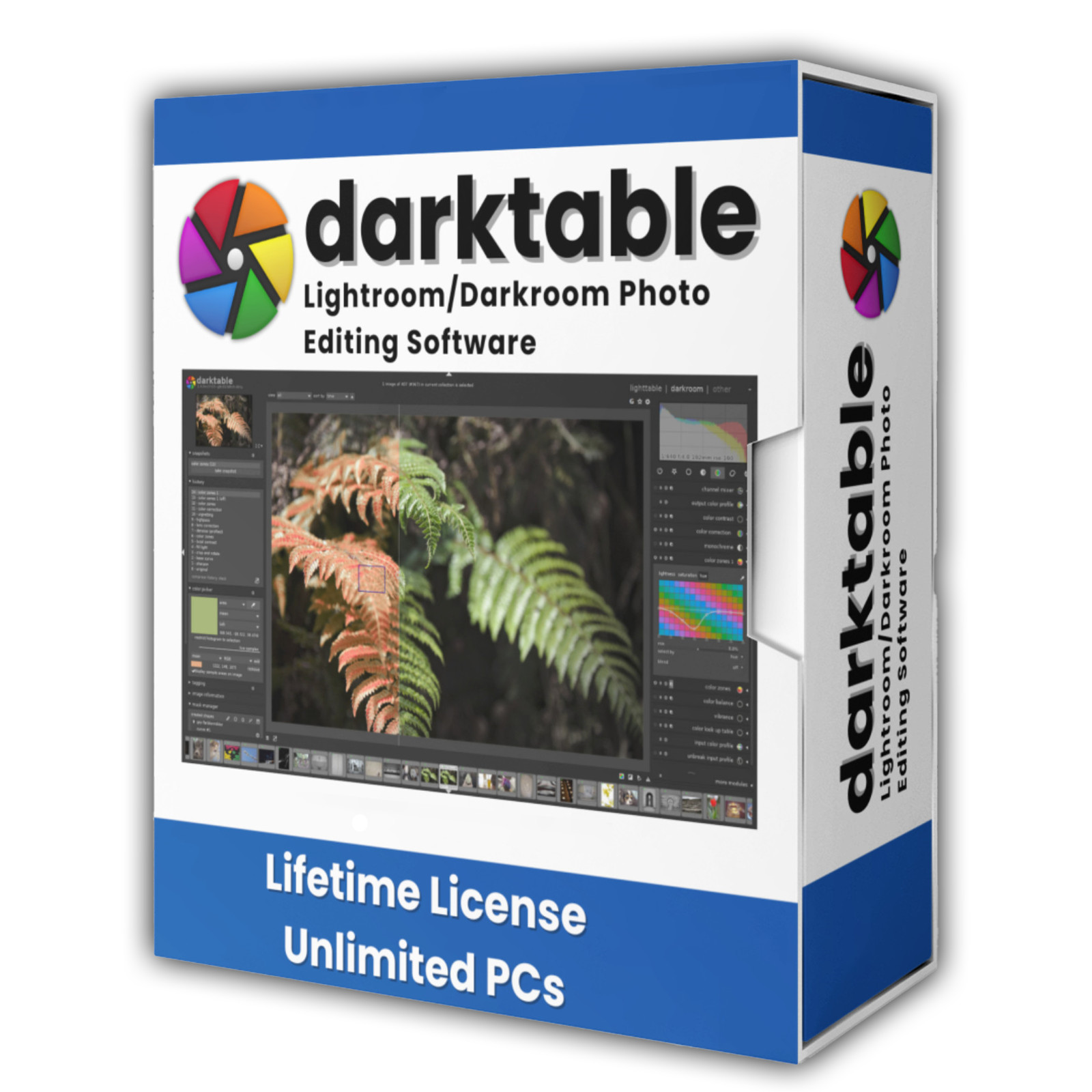
DevPurple - Ultimate Darktable Pack DEVPURPLE
Premium Software Collections
ULTIMATE DARKTABLE PACK
Complete RAW photo workflow and non-destructive editor for Windows, MacOS and Linux, supplied on USB Drive or DVD
Turn your computer into a full photography studio with the Ultimate Darktable Pack. The complete darktable application is supplied for Windows, MacOS and Linux from one piece of media: the official installers for a normal setup, the Mac disk images, the Linux AppImages that run with nothing installed, and a portable build that runs from the drive itself. No product key, no activation, no subscription, and no device limit.
darktable is the open source photography workflow application and RAW developer from the darktable team, in development for many years. It is a virtual lighttable and darkroom: you catalog your photographs in one view and develop the RAW files in another. Editing is non-destructive, so the original file is never altered. It is released under the GNU General Public License version 3.
What You Can Do With It
- Develop RAW files properly: darktable works from the raw sensor data, so white balance, exposure, highlight recovery, noise reduction, and color are all adjustable after the fact rather than baked in.
- Edit without ever touching your originals: Every adjustment is stored in a small sidecar file next to the photo. The original RAW is never modified, and you can undo any step at any time from a full history stack.
- Organize a whole library: Collections, star ratings, color labels, tags, and text filters let you find anything in a large catalog. There is a duplicate manager for finding and grouping near-identical shots.
- Process with a deep set of modules: Exposure, tone equalizer, color calibration, contrast equalizer, white balance, demosaic, highlight reconstruction, crop and rotate, perspective correction, retouch, and many more.
- Mask and blend anything: Draw masks with brushes, gradients, and paths, or build them from an image's own color and brightness. Blend modes and multiple instances of a module let one adjustment apply in several ways at once.
- Manage color seriously: darktable is color managed throughout, with ICC profile support, a color picker, and a color assessment view.
- Use your graphics card: OpenCL acceleration moves the processing pipeline onto the GPU, which makes working on large files much faster. It runs on NVIDIA, AMD, and Intel graphics.
- Specialize the work: Dedicated modules for print, slideshow, and a map view for photographs with GPS data.
- Shoot tethered: Connect a supported camera and darktable can capture directly to your library.
- Bundle work together: The built in tools cover exposure bracketing and HDR merging, focus stacking, and panorama stitching.
- Automate with Lua: darktable can be extended and scripted with Lua for repetitive tasks.
- Edit AI assisted: Recent versions add neural restore for RAW denoise and upscaling, running through ONNX Runtime. On Windows this uses DirectML, so it works with any DirectX 12 compatible graphics card.
- Export anywhere: Export presets cover the common formats and web sizes, with color management carried through to the exported file.
Key Features
- open source: Released under the GNU General Public License version 3. No account, no sign-in, no cloud requirement, and no expiry.
- Non-destructive by design: Sidecar files mean your RAW originals are never written to.
- Wide camera support: darktable supports a very large number of camera models and raw formats through the RawSpeed and LibRaw libraries, plus common image formats including JPEG, PNG, and TIFF.
- OpenCL acceleration: GPU processing for the whole pipeline, so large files work faster on the graphics card.
- Offline and private: Everything runs on your own computer. There is no account, no activation, and no usage reporting.
- Scriptable: A Lua interface for extending darktable and automating repeated work.
- Many languages: A large set of interface translations ships with the application.
- 64 bit: darktable is a 64 bit application on Windows.
New In The Current Release
- AI model downloads now resume after an interruption and retry on a temporary network error, instead of starting again from the beginning.
- AI results inherit your metadata: Denoise and upscale results now carry your color labels, star ratings, and manual geotags, in addition to the EXIF data and tags they already had.
- Performance: The preview pipeline setting was reviewed and reverted for smoother interaction on smaller systems.
- Windows fix: OpenCL AMD graphics devices that had been left disabled on Windows are working again.
- Stability fixes across wavelet decomposition, path masks, raster mask caching, 3D LUT files, and AI raw denoise previews.
- The official user manual has been brought fully up to date for this release.
Versions And Builds Included
- The current release, version 5.6.1 on Windows: The official installer for 64 bit, plus a separate installer for Windows on ARM.
- The current release, version 5.6.1 on Mac: The official disk image for an Apple Silicon Mac, and a second disk image for an Intel Mac.
- The current release, version 5.6.1 on Linux: The official AppImage for a 64 bit Intel or AMD processor, and a second AppImage for an ARM processor.
- The previous release, version 5.4.1 on Windows and Mac: The official installer for 64 bit Windows, plus the Apple Silicon and Intel disk images, kept as a fallback.
- The previous release, version 5.4.1 on Linux: The official AppImage for a 64 bit Intel or AMD processor.
- The source code: The buildable source archive for both release lines, for a distribution that packages darktable itself.
- Version 5.0.1: The official Windows installer matching the version shipped in the portable build, so you can install exactly what you carry.
- darktable Portable: The official PortableApps build at version 5.0.1, which runs from the media itself with nothing installed on the machine.
- Official User Manual: The complete darktable user manual as a PDF, included so the documentation is on hand offline.
A Note About Versions And Your Library
- darktable upgrades its library when you open it with a newer version: The darktable project notes that after that upgrade the library is no longer usable with the older version, and advises taking a backup first.
- Several versions are included here for exactly that reason: Pick the one you want and stay with it for a given library. Taking a backup of your library folder before an upgrade is always a good habit.
What's Included
- One Physical Media: Your choice of a Premium USB Drive or DVD, pre-loaded with the complete pack
- Current Release For Windows: 64 bit and Windows on ARM, from the same release
- Current Release For Mac: The Apple Silicon image and the Intel image, from the same release
- Current Release For Linux: An AppImage for a 64 bit Intel or AMD processor, and one for an ARM processor
- Previous Release Builds: The 64 bit Windows installer, the two Mac images and the Intel Linux AppImage
- Source Archive: The buildable source for both release lines, in its own folder
- Portable Build: darktable Portable with its launcher, for running it with nothing installed
- Matching Installer: The installer for the same version the portable build carries
- Official User Manual: The complete darktable manual as a PDF, for offline reference
- Step By Step Setup Notes: A Read Me file covering which build to pick and what to do if darktable will not start
Shipping & Delivery
- Fast Processing: Orders typically ship within 1-2 business days
- Tracked Shipping: Delivery confirmation included on all orders
- Secure Packaging: Your disc or drive arrives protected and ready to use
- Worldwide Shipping Available: Check listing for rates and estimated delivery times
Satisfaction Guarantee
If there is an issue with your order, contact us and we will make it right (including replacements for defective media).
Why Buy From Dev Purple? Official Manual Included
The complete darktable user manual arrives on the media, and it is the real one, published by the darktable project under the same open source license as the software.
Every Platform, One Media
Windows, MacOS and Linux, both release lines, the source archive, and a portable build, all on one piece of media.
Install or Carry
Run the official installer for a normal setup, or use the portable build on any machine without administrator rights.
Non-Destructive Editing
Your edits live in sidecar files, so the RAW originals on your card or drive are never written to.
No Subscription
A complete RAW workflow with no monthly fee, no product key, and no expiry.
Dedicated Support
Contact us with any questions before or after your purchase. We are here to help.
Compliance
This listing complies with 's software policy. This is a lawful compilation of redistributable software. No paid, commercial, or copyrighted software is included. Every program fits one of these categories:
- GPL / LGPL / MPL licensed: These open-source licenses explicitly grant anyone the right to copy, distribute, and redistribute the software in any medium, provided the license terms are preserved. This is a core feature of copyleft licensing. darktable and its official user manual are both released under the GNU General Public License version 3.
- Apache / MIT / BSD licensed: These permissive open-source licenses grant unlimited reproduction and distribution rights, with minimal attribution requirements which are met here.
darktable is a trademark of the darktable team. This pack is an independent compilation and is not endorsed by or affiliated with the darktable team or with PortableApps.com. The software box shown in any product images is a display image only and is not included. You receive the media only.
's Verified Rights Owner (VeRO) program targets listings that infringe intellectual property. This listing does not fall into that category because every program's license already authorizes the copying and redistribution being done here. Buyers receive only the rights each program's original license grants.
Frequently Asked Questions
How is this item delivered?
This is a physical item (USB drive or DVD) that will be shipped to you. Choose your format when you order.
Do I have to install anything?
You have the choice on the same media. Run an installer to set darktable up normally, or use the portable build to run it directly from the drive with nothing installed. Full setup notes are included on the media.
Does this software need a product key or activation?
No. darktable is open source software released under the GNU General Public License, so there is no product key, no activation step, and no registration. Install and start working right away.
Does it work on Windows 7 or Windows 8?
darktable needs Windows 10 or later. Windows 10 is the oldest Windows any build in this pack serves, so a Windows 7 or Windows 8 computer is not the right fit.
Does it work on a Mac?
Yes. The pack carries both Mac builds from the darktable project, one for an Apple Silicon Mac and one for an Intel Mac, and both release lines. The Apple Silicon image asks for macOS 14 or later and the Intel image asks for macOS 15 or later. Both arrive as disk images that are opened and dragged to Applications.
Does it work on Linux?
Yes. The pack carries the official AppImage builds from the darktable project, one for a 64 bit Intel or AMD processor and one for an ARM processor. An AppImage is a single file that runs with nothing installed, and the buildable source archive is included as well.
Will my original photos be changed?
No. darktable is non-destructive. Every adjustment is saved to a small sidecar file beside the photo, and the original RAW file is never written to. You can undo any step at any time from the history stack.
Do I need a powerful graphics card?
darktable runs without a dedicated graphics card, but it recommends one. OpenCL acceleration puts the processing pipeline on the GPU, which makes a real difference on large files, and it works with NVIDIA, AMD, and Intel graphics. The AI editing features used DirectML on Windows, which works with any DirectX 12 compatible card.
Is there an official manual included?
Yes. The darktable team publishes a complete user manual, and the PDF is included on the media. It is published under the same GNU General Public License version 3 as the software, so you are receiving the real thing rather than a third party write up.
Which version should I install?
Most people want the current release, version 5.6.1. There is also version 5.4.1 as a fallback, version 5.0.1 which matches the portable build, and a Windows on ARM installer for ARM machines. Each system has its own folder, and the Read Me lists which file serves which computer.
Can I upgrade between the versions later?
Yes, and your edits are preserved. One thing worth knowing: darktable upgrades its library when you open it with a newer version, and after that the library is no longer usable with the older one. The darktable project advises taking a backup first, and we recommend the same.
Do the AI features work offline?
Everything in darktable works offline. The AI models are the one exception: darktable downloads them inside the application the first time you use those features, and after that they are on your computer.
darktable will not start. What should I try?
The darktable project suggests launching it from a terminal with OpenCL disabled, using darktable --disable-opencl, which confirms whether a graphics driver is the cause. Updating your graphics driver is usually the fix. The included Read Me covers this step by step.
Do I need to copy the pack to my computer first?
The USB version runs the portable build directly from the drive. For DVD orders, copy the pack folder to your computer (e.g., your Desktop) first for best performance, then run the portable build or an installer from there. The Mac and Linux builds are copied to the computer in any case, because a disk image and an AppImage both run from a local drive.
Important Notes
- This is a PHYSICAL ITEM (USB DRIVE OR DVD) that will be shipped to you. Choose your format when you order.
- Windows 10 or later, macOS, or a 64 bit Linux. The included Read Me lists which file serves each system.
- darktable is a 64 bit application on every system.
- Administrator rights are needed for the Windows installers. The portable build and the Linux AppImages run without them.
- Contact us with any questions before or after your purchase.
Thanks for Shopping with DevPurple!
Your premium software collection is here.
© 2026 DevPurple. All rights reserved.