 When you click on links to various merchants on this site and make a purchase, this can result in this site earning a commission. Affiliate programs and affiliations include, but are not limited to, the eBay Partner Network. When you click on links to various merchants on this site and make a purchase, this can result in this site earning a commission. Affiliate programs and affiliations include, but are not limited to, the eBay Partner Network.
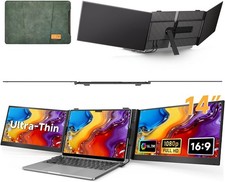
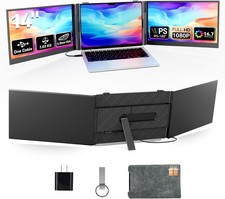
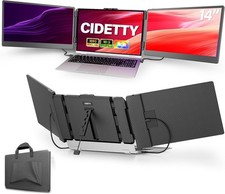
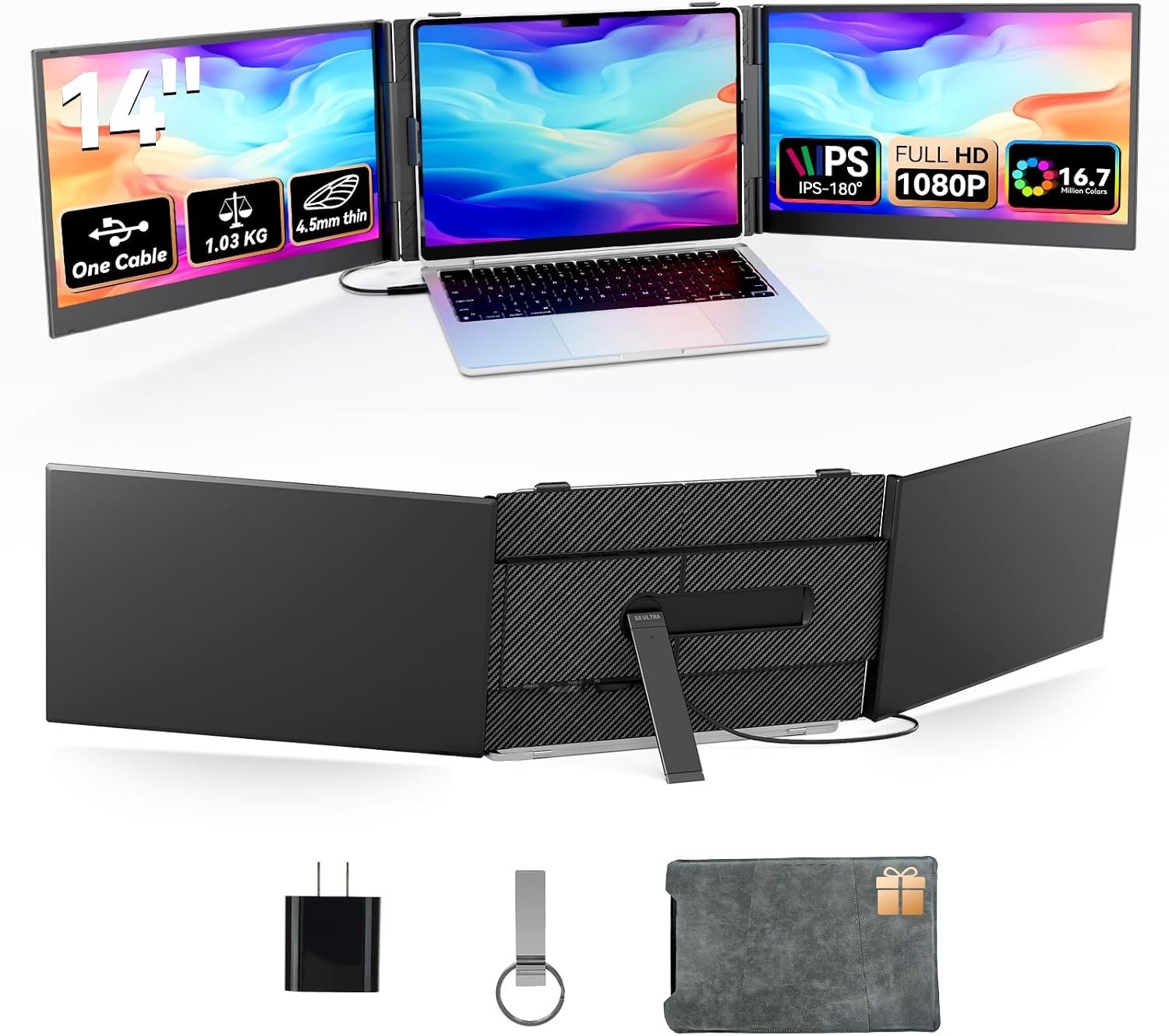
Triple Laptop Screen Extender - Ultra Thin 14" IPS FHD 1080P Monitor One Cable Connection Requires Driver Portable Display for 13"-17" Laptops Compatible with Windows Mac Chrome Travel Work Setup About this item - Screen Size 14 inches
- Resolution FHD 1080p
- Aspect Ratio 16:9
- Screen Surface Description Matte
- Effortless Setup: Skip the complicated connections. Just install the driver and you're all set. Both screens connect directly to the base-no need to plug them in separately. If your laptop has a full-featured Type-C port, one cable powers both displays. Otherwise, simply use the USB-A cable and the included power adapter (the adapter can also provide extra power whenever you need it)
- Triple Screens, 300% Efficiency Boost: Turn your laptop into a triple-screen workstation. View multiple apps side by side and say goodbye to constant window switching. Boost your productivity by up to 300%, whether you're working remotely, presenting in meetings, or powering through your to-do list. Suitable for gamers, programmers, traders, designers, and anyone who wants a smoother workflow
- Slim & Lightweight Design: Made for life on the go, this upgraded screen extender is just 4.5mm thin-thinner than most smartphones. At only 2.2 lbs (barely more than a water bottle), it slips easily into your bag without the bulk. Suitable for frequent travelers, digital nomads, and remote professionals. A practical, thoughtful gift for anyone who values efficiency
- Complete Bundle & Reliable Support: Everything you need arrives in one gift-ready box: 1 screen, 2 Type-C cables, 1 USB-A to USB-C cable, a power adapter, Quick Start Guide, instruction manual, and a premium carrying case
- Wide Compatibility & Easy Driver Installation: Works seamlessly with Windows, Mac, Chrome, Android, Linux, Dex, and Switch. To get started, just plug in the included flash drive, watch the setup video, and install the driver
 |
|