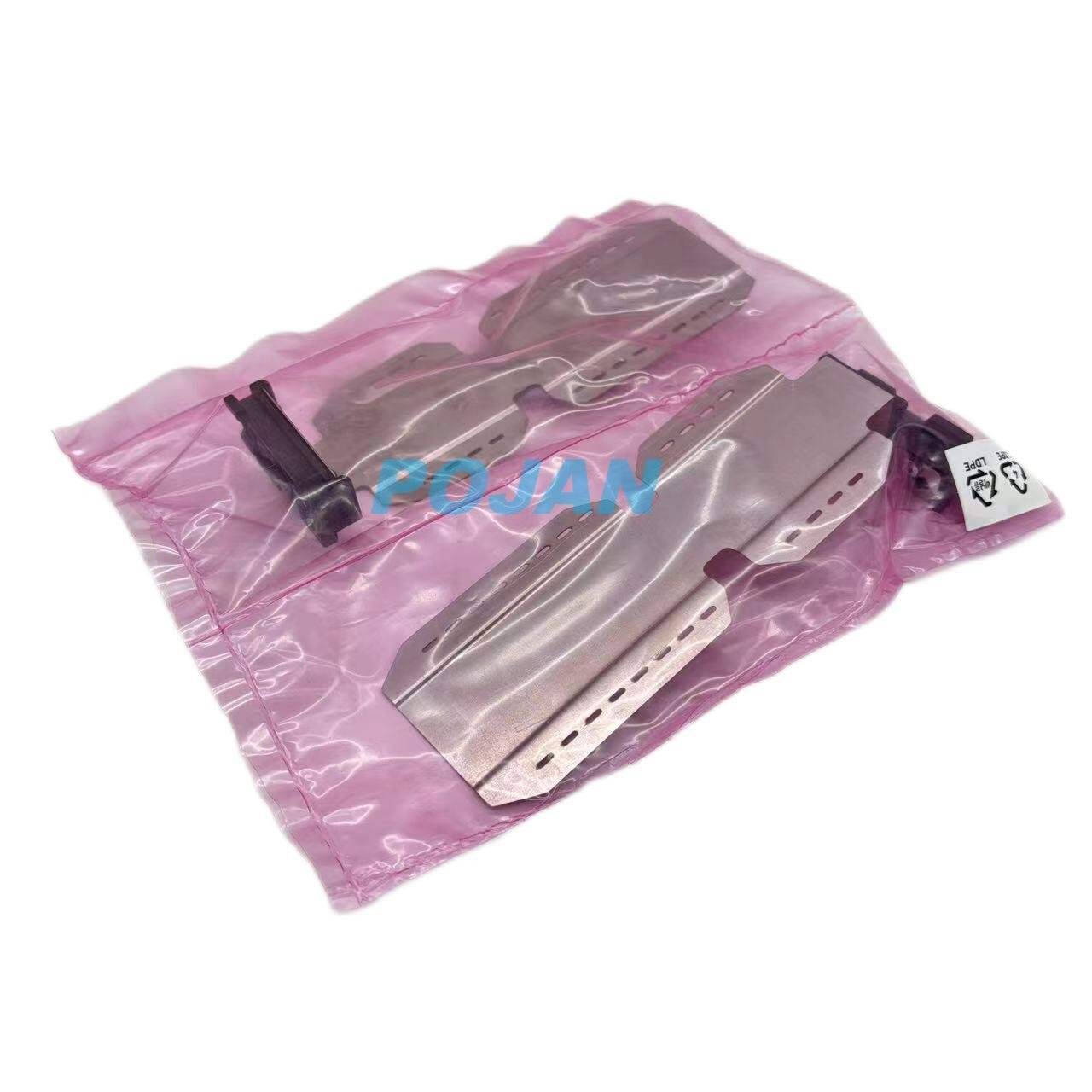
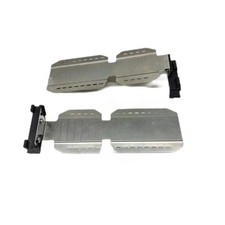
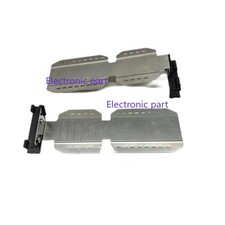
Product description:Y0U21-67029 Edge Holders ForHPLatex 630 630W 700 800 700w 800w
Packing List:
1 set x (2pcs)Edge Hoders New
Edge holderstipsandtricksfor HPLatex700and800Series
HP-NoellePeutat
The edge holders are designed to prevent the edges of the substrate from rising while
printing is in progress.
As a general rule, HP recommends working without the Media Edge Holders. Use
them only if the lateral edges are lifting:
They can be used with the platen or with the ink collector. When not in use, they should
be stored outside the printer.
If they are needed often, they can be stored inside the printer, to the left and right of
the print platen, to avoid substrate jams when loading the next substrate.
IMPORTANT: If you choose to use them, you should move them into
parking position when prompted by the front panel (this prompt appears when the
"Use edge holders"checkbox has been checked). Otherwise, the printer may detect the wrong roll width.
NOTE:
The edge holders extend 6 mm over the edge of the substrate. You should set a
minimum left and right margin of 7 mm (0.3 in) in the RIP when using edge holders,
otherwise the printer could try to print on the edge holders.
TIPS AND TRICKS
· Parking position:check listing pictures-5
· During loading : check listing pictures-5
Edge holders must be in parking position (leftmost and rightmost positions of
the print zone) to prevent wrong media width measurements and/or mediajams
If the edge holders are already installed on the platen in the correct parking
position when loading, do not tick the box in the front panel.
Do not adjust the edge holders to the media width until the media loading process is
completely and successfully done.
The edge holders should be placed on the platen so that they overlap the left and
right edges of the substrate. Align the dotted line on the edge holder with the lateral
edge of the substrate.
To avoid possible jams, HP recommends that the substrate’s lateral edge be
completely under the edge holder’s surface:
For more information, please check theUserguide.
If you still have no Paypal Account, we would like to sugest you to sign up at: PAYPAL
Payment should be made within 5 Days after purchasing!Shipping:
We ship items out within 2 business days after payment!
We ship to your paypal address, please confirm your address when making payment!
Items will be shipped via ePacket, EMS or DHL depending on situation!
It normally takes about 7-25 business days to arrive fast all countries,if your item does not arrive on time,Kindly please contact us to track it for you!Return Policy :Please kindly feel free to contact us first. If you receive the items with quality problems or damaged,we would like to offer replacement or refund service for you.In all cases, buyers pay for the shipping feesat their own cost to return products for exchange or refund. We will be responsible forthe postage of replacements.The returns should be returned with our original packages,customers must contact us first for the return address.If is wrong item ordered, a 20% restocking fee will be apply;
Contact Us :
Please contact us first if there is any problem with the item or delivery!
Our Customer Service time is: 9:00- 18:00 of Beijing Time (18:00-03:00 of Pacific Time)!
Please contact us via Message, as email may be delivered to junk mail box!We will reply you within 12-24 hours (M-F)